In this guide
What happened
Google announced general availability of the Gemini side panel in Apps Script on November 16, 2026. For small teams, the opportunity is to build modest automations around work already happening in Sheets, Docs and other Workspace applications.
The announcement says users can request code in plain language and accept or reject suggested changes by block. Rollout began November 12 and can take up to 15 days. Listed access includes Business Standard and Plus, Enterprise Standard and Plus, specified AI add-ons, and consumer Google AI Pro and Ultra. Check your edition and administrator settings; this is not a claim that every Google account has access.
This analysis was prepared November 17 from official sources. We have not tested the side panel or its generated scripts.
Why this matters to a small team
A recurring spreadsheet cleanup may be too small to justify a separate automation subscription but large enough to waste time each week. An assistant inside the script editor could lower the effort required to attempt that job. Whether it saves time depends on review, maintenance and the frequency of the task.
Our editorial recommendation is to begin with a reversible transformation in a copied spreadsheet. Avoid making the first experiment an automatic email campaign or a process that changes customer records. The cost of a mistake should stay small while the team learns how to inspect the result.
Code approval still needs a person
Google's authorization guidance explains that requested scopes depend on the services used in the code. An installable trigger runs under its creator's identity. Those rules matter even when the code was written through a chat panel.
A description such as “tidy this table” is not enough to approve a script. The reviewer needs to know which cells change, how duplicates are handled and whether the script contacts another service. If the requested permissions exceed the task, stop and investigate before authorizing it.
What to do next
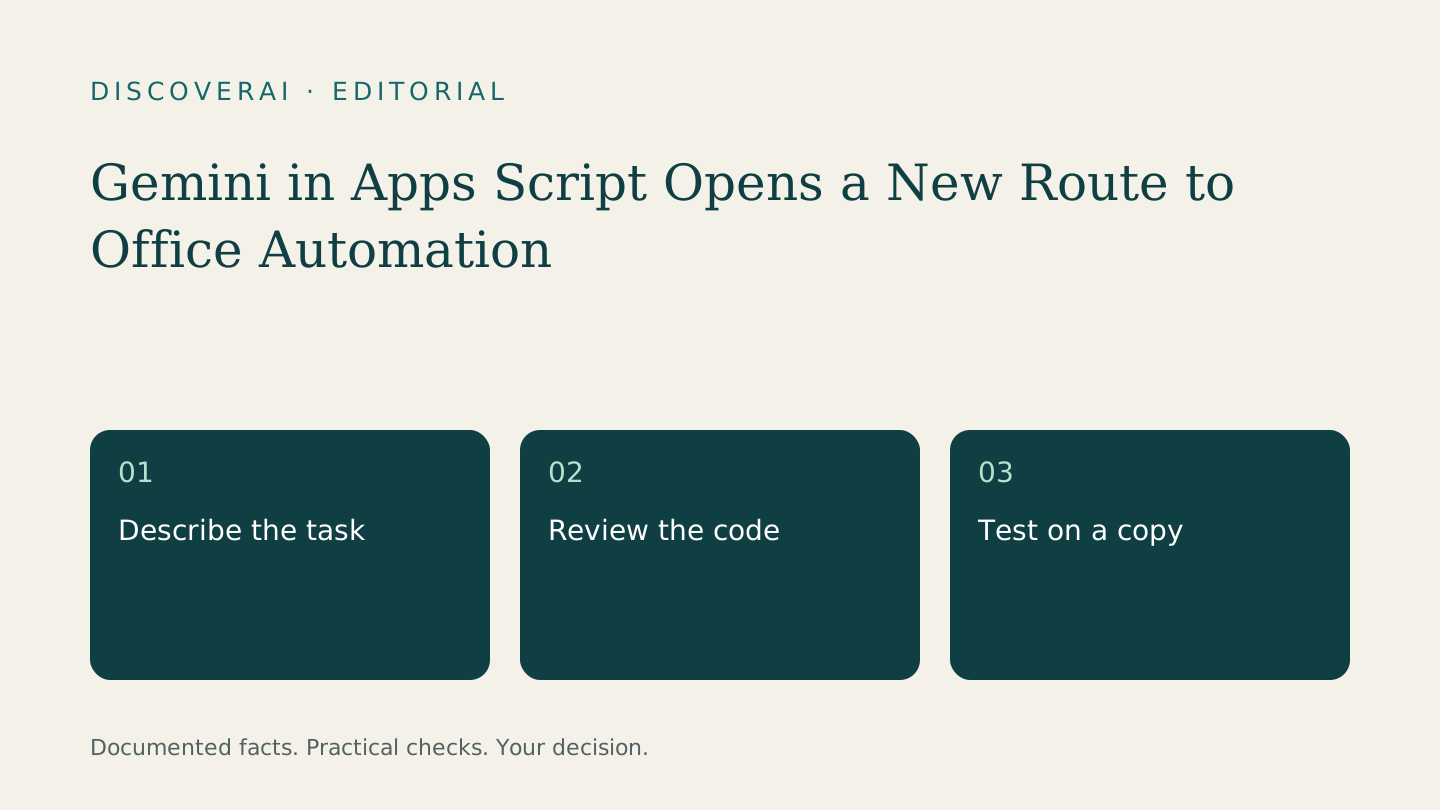
Choose one ordinary weekly task, record the manual baseline and write down the expected output. Use fictional rows first. Ask a technically capable colleague to review the code, then compare the result with the written expectation rather than the assistant's explanation of its own work.
Our spreadsheet-script test guide includes an example packet and a rerun check. A script that works once but duplicates its output on the next run is not ready for a schedule.
Do not cancel a working automation service on the strength of the announcement. First demonstrate the replacement, including error handling and ownership when its original author is away. General availability opens a route to a pilot; it does not complete the pilot for you.
Transparency
How this guide was checked
About this article
How this article was prepared
- Evaluation type
- Source-based research
- Last reviewed
- Evidence
- 2 listed sources
We label hands-on testing separately. Research-based articles draw on product documentation and other cited sources, rather than direct use of every plan. Read the full methodology.
Editorial basis
Sources and testing
- Editorial basis
- Source-based research
- Primary references
- 2
- Products covered
- 0
- Last checked
- 2026-11-17
Important limits
- • Features, availability and prices can change. Check the provider’s current terms before buying.
Sources and references
References cited by this article. Check the original source for scope, dates and current terms.
Frequently asked questions
Does every Workspace plan include it?
No. Google names specific editions and add-ons; check your account and rollout status.
Was the side panel tested for this article?
No. This is an analysis of official announcements and documentation.
Read next