At a glance
Should you choose Scribe?
Best for
Small teams with a repeatable task and an accountable reviewer.
Choose something else if
you need capabilities we have not verified. Check the limitations below.
Evidence
Verified research · rating withheld
Pricing checked
See current vendor pricing · Price not yet checked
We have not confirmed an ongoing free plan.
Confirm billing, usage limits, seats, and renewal terms with the vendor.
In this guide
Short answer
Scribe is worth considering when your team repeatedly explains the same on-screen process. The useful outcome is a guide a colleague can follow independently. If you only document an occasional task, a manually annotated screenshot may be enough.
This is a research-based review checked on November 21, 2026. We have not captured a workflow or purchased a plan. We withhold ratings and use direct product links; no affiliate destination is configured. This product is Scribe's process-documentation service, not ElevenLabs' similarly named transcription model.
Free buyer comparison checklist
Compare this tool before committing.
Use the buyer checklist to compare two tools on the same tasks, including quality, review time and total cost. Get the weekly top 5 AI tools, one practical workflow and one way to reduce AI spending.
What the documentation supports
The official feature comparison lists free browser-based guide creation and link or embed sharing. Paid tiers add desktop capture, screenshot editing and redaction, and PDF, HTML and Markdown exports. Automatic sensitive-information redaction appears under Enterprise. Those distinctions matter if a consultant needs portable deliverables rather than hosted links.
Treat capture as a draft of what happened on screen. The reason for a decision, the approval required before it, and the exception when it fails still belong in the instructions. A recording of successful clicks cannot by itself establish a complete business procedure.
Pricing needs a checkout check
The fetched pricing page contains several conflicting Personal and Team price displays. We cannot confidently map every amount to the active billing selection, so this review does not advertise a verified starting price. Confirm the total charge, billing interval and minimum seats in your own quote. A low per-seat label can conceal a larger required purchase.
Ask whether viewers require payment and whether the export format you need belongs to the selected plan. Keep a copy of the offer with the date. Do this before building a client-delivery process around a feature you have only seen in a demo.
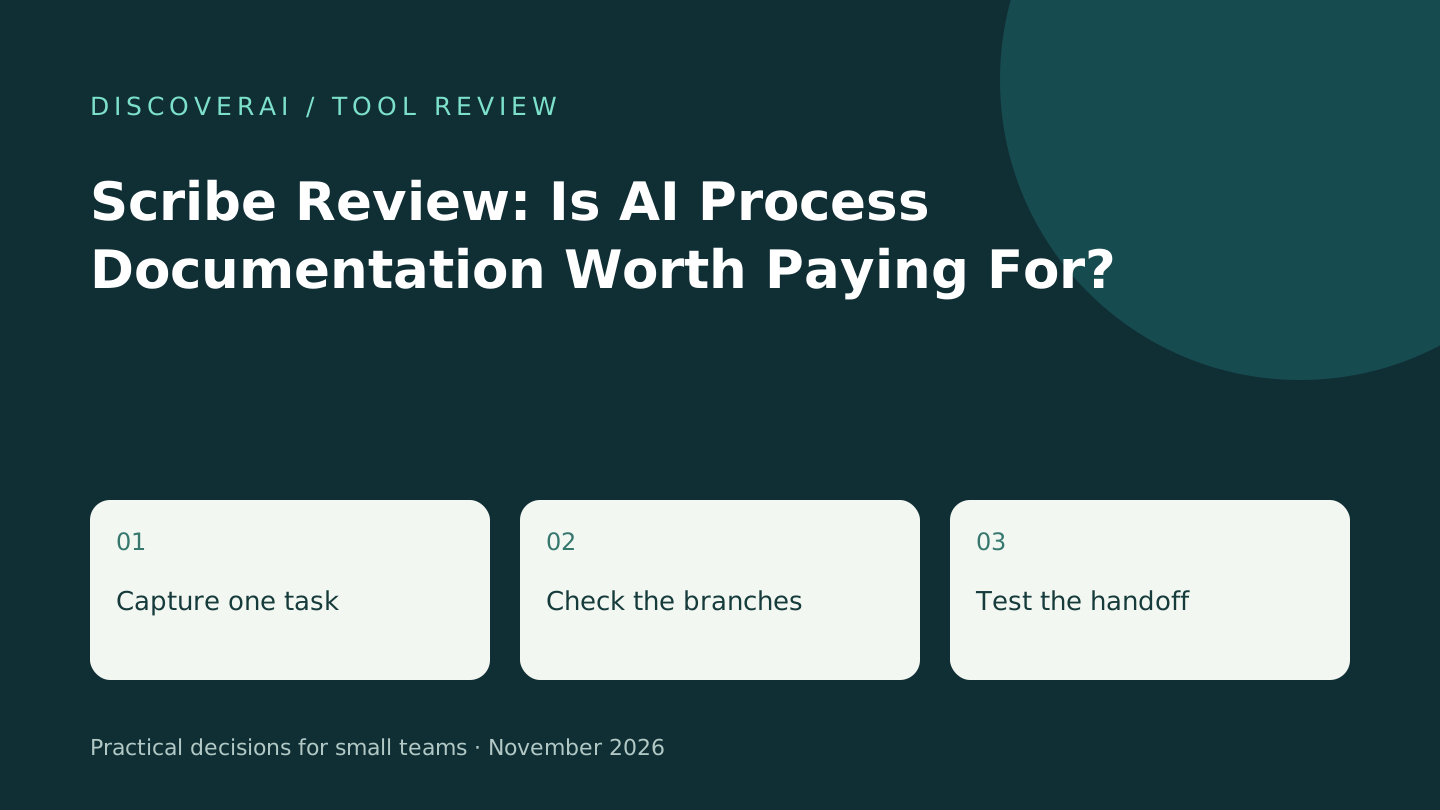
Proposed trial: a purchase-request handoff
Create a fictional purchasing request with three stages: enter the request, obtain approval, then record the decision. Use invented suppliers and no real account information. Write the expected outcome before capturing the sequence. This is a proposed exercise, not a completed product test.
Include one branch: requests above a chosen internal threshold need a second approver. Check whether the finished guide explains both paths. Have someone who did not create it follow the steps using their ordinary account. Note missing permissions, unexplained fields and assumptions about where the reader starts.
Next, export the document and open it outside the service. Inspect image clarity, links and formatting. Test the deliverable at the size a colleague actually reads; an attractive full-screen screenshot may become illegible in a PDF.
Where it fits beside alternatives
Compare Tango for a similar documentation task, and Vid2Notes when the source already exists as a training recording. These are different starting points, not benchmark rankings.
Record creation time, correction time and reader questions in the trial scorecard. Repeat after changing one screen in the underlying process. A guide that is easy to create but expensive to maintain may not earn a recurring subscription.
Verdict
Shortlist Scribe for frequent visual handoffs, subject to a successful reader test and a clear quote. Keep an owner and review date on every procedure. For sensitive screens, use the screenshot preparation checklist before capture rather than relying on cleanup after sharing.
Transparency
How this guide was checked
About this article
How this article was prepared
- Evaluation type
- Hands-on evaluation
- Last reviewed
- Evidence
- 1 listed sources
We label hands-on testing separately. Research-based articles draw on product documentation and other cited sources, rather than direct use of every plan. Read the full methodology.
Editorial freshness
Confirm current checkout and seat minimums.
Review evidence
Sources and testing
- Evaluation type
- Official-source research; no hands-on testing
- Sources checked
- November 21, 2026
Important limits
- • No account, purchase, output-quality or support test performed.
- • Plan details can change; confirm your checkout and required permissions.
Standardized benchmark coverage
How this review maps to the research benchmark
Citation accuracy
Not applicableThe reviewed workflow does not produce source-grounded research answers, so a citation score would be misleading.
Read protocol v2026.10-v1 →Thematic analysis
Not applicableThe reviewed workflow is not qualitative evidence analysis, so a thematic-analysis score would be misleading.
Read protocol v2026.10-v1 →Eligibility is not a product score. DiscoverAI publishes results only after output collection, blinded adjudication, reproducibility checks, and severe-error review.
Open the optional evaluation worksheet
Reusable trial worksheet
Test Scribe before you commit
Turn this review’s buyer test into evidence. Your entries autosave only in this browser and are never added to shared shortlist links.
Confirm the tool meets every must-have workflow and stakeholder requirement.
Review starting point: Small teams with a repeatable task and an accountable reviewer
Run the same representative work you would use in production; do not score a polished demo.
Review starting point: Run a bounded set of representative tasks with known acceptable outcomes, then compare the result with your current workflow.
Calculate the effective cost per accepted result, including usage, review, corrections, and required add-ons.
Review starting point: Free browser capture; paid feature pricing requires checkout confirmation because public displays conflict.
Define an acceptance threshold, test known answers and edge cases, and record every correction.
Review starting point: Editorial quality signals: features 0.0/5. Validate these signals in your own work.
Verify what data enters the product, who can access it, how long it is retained, and whether it trains models.
Review starting point: Use approved low-risk data first. Check roles, consent, deletion, subprocessors, model-training settings, and the contract—not only the marketing page.
Test the real handoffs, permissions, failure states, and export path your team depends on.
Review starting point: Scribe integration requirements are not fully structured in this review; list every required system and test each connection.
Record training, governance, reliability, accessibility, ownership, and change-management risks before rollout.
Review starting point: Conflicting public price displays; Automatic redaction is plan-dependent
Loading saved worksheet… · private to this device or your optional account
Community evidence
How verified users put Scribe to work
Structured, editor-moderated experience—not star ratings. This complements our independent review and never changes its score.
No approved community evidence yet. Be the first verified user to contribute.
Community choice
Recommend Scribe
Loading weekly votes…
One vote per verified account per tool, counted for seven days. Return after your vote expires to support again. Community votes influence homepage trends, never editorial ratings. Voting does not subscribe you to emails.
Sources and references
References cited by this article. Check the original source for scope, dates and current terms.
Recommended tool
Use Scribe if this workflow fits your team
Tools mentioned in this article
Scribe
Evaluate Scribe for small-team process documentation: capture, export and redaction limits, ambiguous pricing and a practical handoff test.
Evaluate Scribe for small-team process documentation: capture, export and redaction limits, ambiguous pricing and a practical handoff test.