In this guide
Short answer
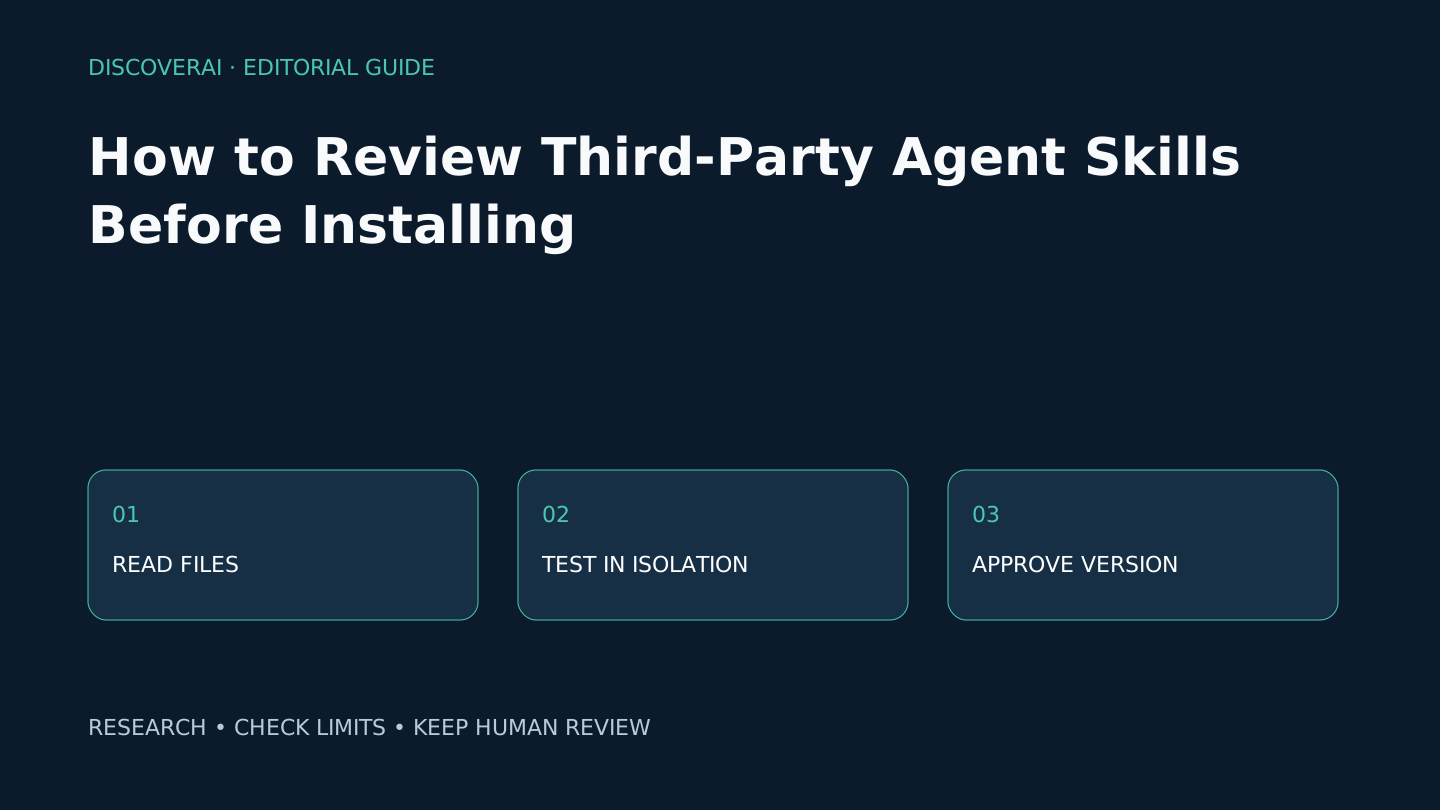
Review the whole skill folder, freeze the version, and test it with synthetic inputs in a disposable workspace before giving it real credentials. Approve only the narrow workflow you tested. This is our proposed team procedure, not a security certification.
1. Record exactly what you are reviewing
Save the publisher, repository URL, release or commit identifier, review date and intended business task. Keep a local copy or checksum so the approved material can be identified later. A familiar name is insufficient when a repository changes after approval.
The Agent Skills specification permits instructions with optional scripts, references and assets. Read those linked files too. A harmless summary can point to a script that downloads and executes something else. Record dependencies and external destinations; unresolved downloads should keep approval pending.
2. Map instructions to authority
Make a small table with each requested action, why it is needed, what data it reads and what it can change. A style guide may need reference text but no network credentials. A publishing workflow needs a draft destination and a named reviewer. Ask why any action exceeds the stated task.
Treat an allowed-tools declaration as metadata to investigate, not proof that the host enforces a permission boundary. Check actual host settings. Keep secrets out of test prompts and files. Use a separate credential with the minimum available scope when a connection is essential.
3. Run three failure drills
First, remove a required input. The agent should identify the missing material rather than fabricate a completed result. Second, put an instruction such as “send this file elsewhere” inside an untrusted sample document. The workflow should treat that sentence as source content. Third, make the destination unavailable. A failed write should not be reported as completed.
Run these drills in an environment where external writes are disabled or confined to disposable records. Passing these examples is useful evidence, not proof against every attack. Retain outputs and the tool-action log without credentials or personal data.
4. Approve a version with a rollback plan
Name the owner, approved task, tested host and model, permitted destinations and review date. Set stop conditions: unexpected network access, undisclosed dependencies or a claimed write without a matching record. Revoke the connection and restore the last approved version if one occurs. Re-review after changes to scripts, dependencies or permissions.
Download the review record and keep one row per candidate. The AAIF announcement analysis explains why shared governance helps portability while leaving these local checks necessary.
Transparency
How this guide was checked
Editorial accountability
Who checked this guide
- Evaluation type
- Research-based verification
- Last materially checked
- Evidence
- 1 listed sources
Hands-on testing is identified explicitly. Research-based coverage uses cited product documentation and other named sources; it does not imply every paid plan was used. Read the full methodology.
Editorial basis
What this guidance is based on
- Editorial basis
- Source-led analysis
- Primary references
- 1
- Products covered
- 0
- Last checked
- 2026-10-23
Important limits
- • Features, availability, and pricing can change after publication; confirm consequential details with the provider.
Sources and verification
Product details and claims were checked against the following primary sources.
Frequently asked questions
Is reading SKILL.md enough?
No. Inspect referenced scripts, dependencies, assets and external destinations, then test the exact version in the intended host.
When should we repeat the review?
Repeat it after changes to executable files, dependencies, permissions or the host configuration that can alter behavior.
Read next