The decision
Should you choose Read AI?
Read AI is compelling when searchable meeting context and follow-through matter more than a minimal note taker. Its wider knowledge graph increases the need for consent, retention limits, permission testing, and skepticism toward inferred engagement scores.
Best for
Teams needing searchable meeting memory; Managers standardizing follow-up.
Choose something else if
Meetings without participant notice; Teams that cannot govern sensitive transcripts
Evidence
Editorial research pending · 8.0/10
Pricing checked
See current vendor pricing · Sep 19, 2026
Free access is available, with limits.
Free access or a trial may be available; verify current limits before procurement.
In this guide
Short answer
Read AI is compelling when searchable meeting context and follow-through matter more than a minimal note taker. Its wider knowledge graph increases the need for consent, retention limits, permission testing, and skepticism toward inferred engagement scores.
Free buyer comparison checklist
Compare this tool before committing.
Use the buyer checklist to compare two tools on the same tasks, including quality, review time and total cost. Get the weekly top 5 AI tools, one practical workflow and one way to reduce AI spending.
Best for
- Teams needing searchable meeting memory
- Managers standardizing follow-up
- Organizations prepared to govern meeting bots
Look elsewhere if
- Meetings without participant notice
- Teams that cannot govern sensitive transcripts
- Buyers treating engagement scores as employee truth
What Read AI does
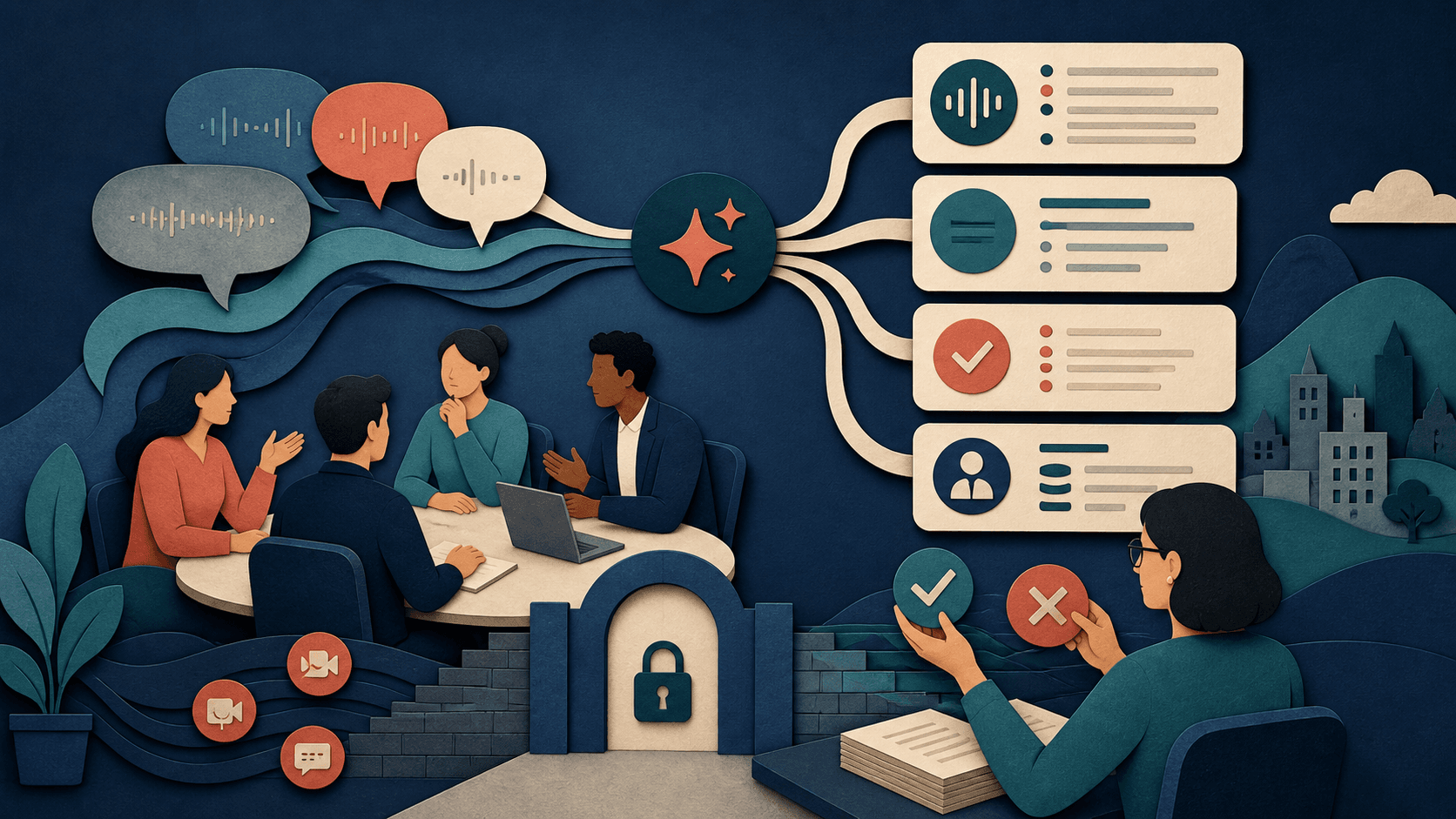
Read AI creates meeting transcripts, summaries, action items, playback, coaching signals, and searchable answers across connected workplace knowledge. Documented capabilities include Meeting reports, Transcripts and playback, Action items, Ask Read search, Speaker and engagement signals, Workspace integrations.
Pricing and total cost
Read offers a free tier plus paid individual and enterprise plans. Limits vary across meetings, playback, integrations, administration, retention, SSO, SCIM, and HIPAA support; verify the current plan matrix per workspace.
Privacy, security, and governance
Map data access, retention, deletion, model training, subprocessors, identity controls, and export before connecting real work. Apply least privilege and preserve human approval for external messages, record changes, regulated advice, or other consequential actions.
A fair buyer test
Pilot 25 consented meetings across accents, formats, confidential topics, screen shares, and action-heavy discussions. Compare transcripts and actions with human notes; test permissions, deletion, sync mistakes, search leakage, and correction time.
Final verdict
Read AI is compelling when searchable meeting context and follow-through matter more than a minimal note taker. Its wider knowledge graph increases the need for consent, retention limits, permission testing, and skepticism toward inferred engagement scores.
This is a research-based assessment, not a claim of long-term paid deployment. Features, pricing, and policies were checked against first-party sources on September 19, 2026 and can change.
Transparency
How this guide was checked
Editorial accountability
Who checked this guide
- Evaluation type
- Hands-on evaluation
- Last materially checked
- Evidence
- 4 listed sources
Hands-on testing is identified explicitly. Research-based coverage uses cited product documentation and other named sources; it does not imply every paid plan was used. Read the full methodology.
Editorial freshness
Pricing and material product claims were checked September 19, 2026.
Review evidence
What this guidance is based on
- Review type
- Research-based product assessment
- Material review date
- September 19, 2026
- Evidence
- First-party product, pricing, documentation, security, and privacy material
- Buyer test
- Controlled quality, cost, privacy, and failure-path evaluation
Important limits
- • DiscoverAI did not complete a long-term paid deployment.
- • Features, pricing, limits, and data practices can change.
Standardized benchmark coverage
How this review maps to the research benchmark
Citation accuracy
Not applicableThe reviewed workflow does not produce source-grounded research answers, so a citation score would be misleading.
Read protocol v2026.10-v1 →Thematic analysis
Not applicableThe reviewed workflow is not qualitative evidence analysis, so a thematic-analysis score would be misleading.
Read protocol v2026.10-v1 →Eligibility is not a product score. DiscoverAI publishes results only after output collection, blinded adjudication, reproducibility checks, and severe-error review.
Open the optional evaluation worksheet
Reusable trial worksheet
Test Read AI before you commit
Turn this review’s buyer test into evidence. Your entries autosave only in this browser and are never added to shared shortlist links.
Confirm the tool meets every must-have workflow and stakeholder requirement.
Review starting point: Teams needing searchable meeting memory; Managers standardizing follow-up; Organizations prepared to govern meeting bots
Run the same representative work you would use in production; do not score a polished demo.
Review starting point: Pilot 25 consented meetings across accents, formats, confidential topics, screen shares, and action-heavy discussions. Compare transcripts and actions with human notes; test permissions, deletion, sync mistakes, search leakage, and correction time.
Calculate the effective cost per accepted result, including usage, review, corrections, and required add-ons.
Review starting point: Read offers a free tier plus paid individual and enterprise plans. Limits vary across meetings, playback, integrations, administration, retention, SSO, SCIM, and HIPAA support; verify the current plan matrix per workspace.
Define an acceptance threshold, test known answers and edge cases, and record every correction.
Review starting point: Editorial quality signals: features 4.2/5; AI quality 4.0/5. Validate these signals in your own work.
Verify what data enters the product, who can access it, how long it is retained, and whether it trains models.
Review starting point: Use approved low-risk data first. Check roles, consent, deletion, subprocessors, model-training settings, and the contract—not only the marketing page.
Test the real handoffs, permissions, failure states, and export path your team depends on.
Review starting point: APIs, Team workflows, Business systems
Record training, governance, reliability, accessibility, ownership, and change-management risks before rollout.
Review starting point: Meetings without participant notice; Teams that cannot govern sensitive transcripts; Packaging and behavior require verification
Loading saved worksheet… · private to this device or your optional account
Community evidence
How verified users put Read AI to work
Structured, editor-moderated experience—not star ratings. This complements our independent review and never changes its score.
No approved community evidence yet. Be the first verified user to contribute.
Community choice
Recommend Read AI
Loading weekly votes…
One vote per verified account per tool, counted for seven days. Return after your vote expires to support again. Community votes influence homepage trends, never editorial ratings. Voting does not subscribe you to emails.
Sources and references
References cited by this article. Check the original source for scope, dates and current terms.
Frequently asked questions
What is Read AI?
Read AI creates meeting transcripts, summaries, action items, playback, coaching signals, and searchable answers across connected workplace knowledge.
How much does Read AI cost?
Read offers a free tier plus paid individual and enterprise plans. Limits vary across meetings, playback, integrations, administration, retention, SSO, SCIM, and HIPAA support; verify the current plan matrix per workspace.
Who should use Read AI?
Teams needing searchable meeting memory, Managers standardizing follow-up, Organizations prepared to govern meeting bots.
How should teams test Read AI?
Pilot 25 consented meetings across accents, formats, confidential topics, screen shares, and action-heavy discussions. Compare transcripts and actions with human notes; test permissions, deletion, sync mistakes, search leakage, and correction time.
Recommended tool
Use Read AI if this workflow fits your team
Read AI is compelling when searchable meeting context and follow-through matter more than a minimal note taker. Its wider knowledge graph increases the need for consent, retention limits, permission testing, and skepticism toward inferred engagement scores.
Tools mentioned in this article
Read AI
Read AI creates meeting transcripts, summaries, action items, playback, coaching signals, and searchable answers across connected workplace knowledge
Read AI creates meeting transcripts, summaries, action items, playback, coaching signals, and searchable answers across connected workplace knowledge.
Granola
Granola is a bot-free AI notepad that captures device audio, combines a transcript with a user's notes, and produces searchable meeting summaries
Granola is a bot-free AI notepad that captures device audio, combines a transcript with a user's notes, and produces searchable meeting summaries.
Fathom
A practical AI tool for productivity workflows
Fathom helps professionals improve productivity workflows with AI-assisted drafting, automation, analysis, or production features.
Read next