OpenAI’s New Enterprise Tools Turn Solo AI Work Into Team Infrastructure
Shared environments, connections, schedules, and chat entry points reduce setup friction—but they also turn personal experiments into durable organizational systems.
Bottom line
OpenAI’s September 29 Enterprise updates make Codex environments, connected tools, recurring tasks, and workplace chat more reusable across teams.
Editorial accountability
Who checked this guide
- Evaluation type
- Research-based verification
- Last materially checked
- Evidence
- 4 listed sources
Hands-on testing is identified explicitly. Research-based coverage uses cited product documentation and other named sources; it does not imply every paid plan was used. Read the full methodology.
Editorial basis
What this guidance is based on
- Editorial basis
- Source-led analysis
- Primary references
- 4
- Products covered
- 1
- Last checked
- 2026-09-29
Important limits
- • Based on OpenAI documentation published or updated September 29, not an independent production deployment.
- • Eligibility, rollout timing, models, permissions, regional availability, limits, and pricing can change.
In this guide
What OpenAI announced today
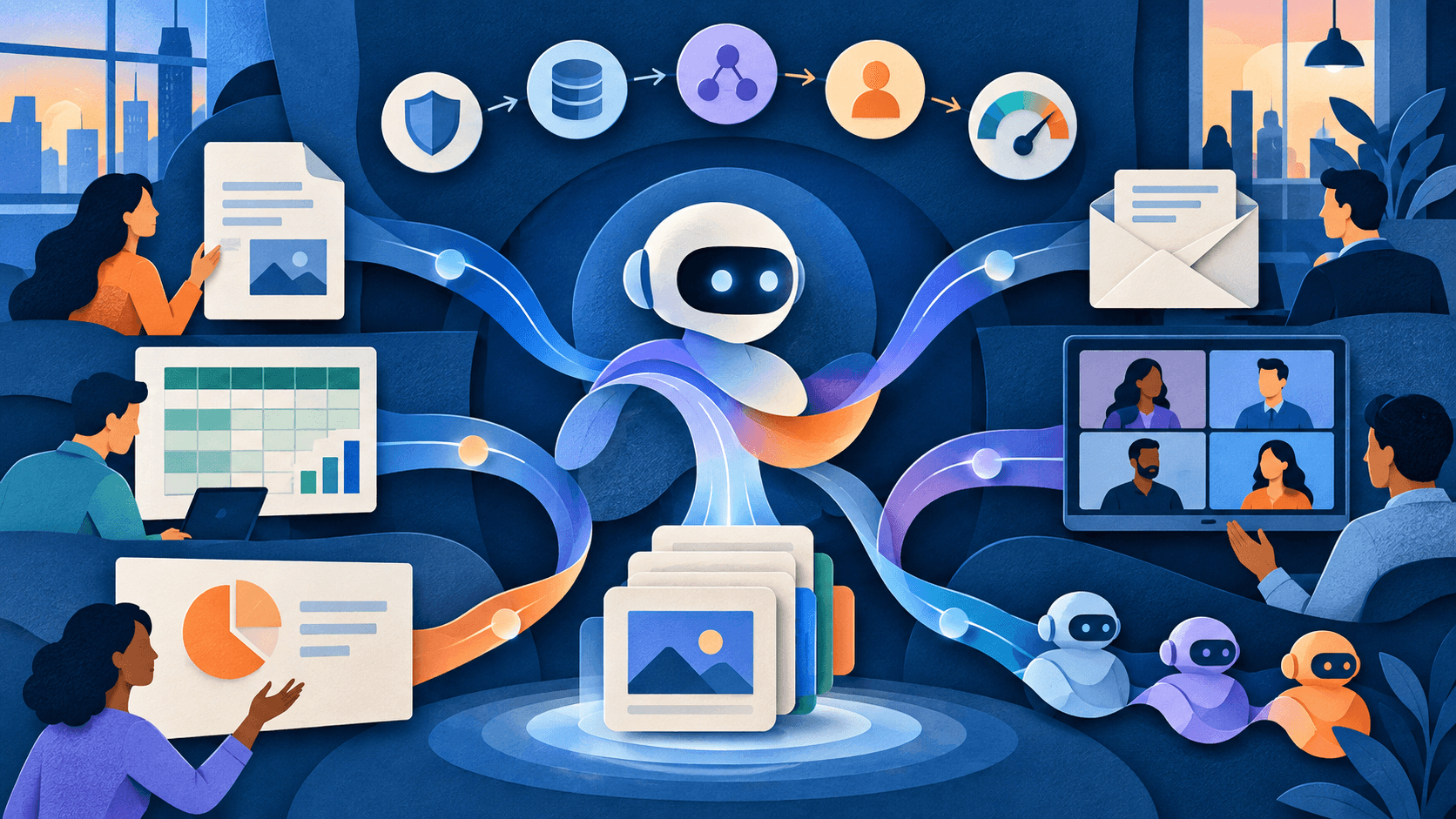
OpenAI’s September 29 Enterprise and Edu release notes bundle several changes around reusable team work. Authorized ChatGPT Enterprise members can share Codex Cloud environments, administrators can configure approved app connections for team use, and teammates can jointly maintain recurring tasks. OpenAI also announced GPT-6.1 Sol for Work and Codex, team sharing for Pages and Spaces, and @ChatGPT access in Slack and Microsoft Teams.
These are not one feature with one release boundary. Shared Codex environments and team tasks are described for eligible Enterprise workspaces and remain subject to roles and workspace permissions. GPT-6.1 Sol is rolling out by plan, with Enterprise and Edu administrators required to enable access. Marketplace is a beta program, while connected-app availability still varies by app, plan, region, role, model, and interface.
This is announcement analysis, not an independent production deployment or a claim that the new controls work identically in every tenant.
The important shift is from personal setup to shared infrastructure
A useful AI workflow often begins as one person’s prompt, local dependencies, private connection, or calendar reminder. OpenAI’s new controls make more of that setup reusable: a coding environment can be published once, an approved provider connection can serve a team task, and recurring work can have shared instructions and reviewers rather than depending on one employee.
That can reduce duplicated configuration and “workflow orphaning” when an owner is away. It also raises the stakes. A shared environment can distribute a broken dependency, a shared connection can expose more data or actions than intended, and a scheduled task can repeat a quiet error many times.
Four controls buyers should inspect
1. Separate sharing from authorization
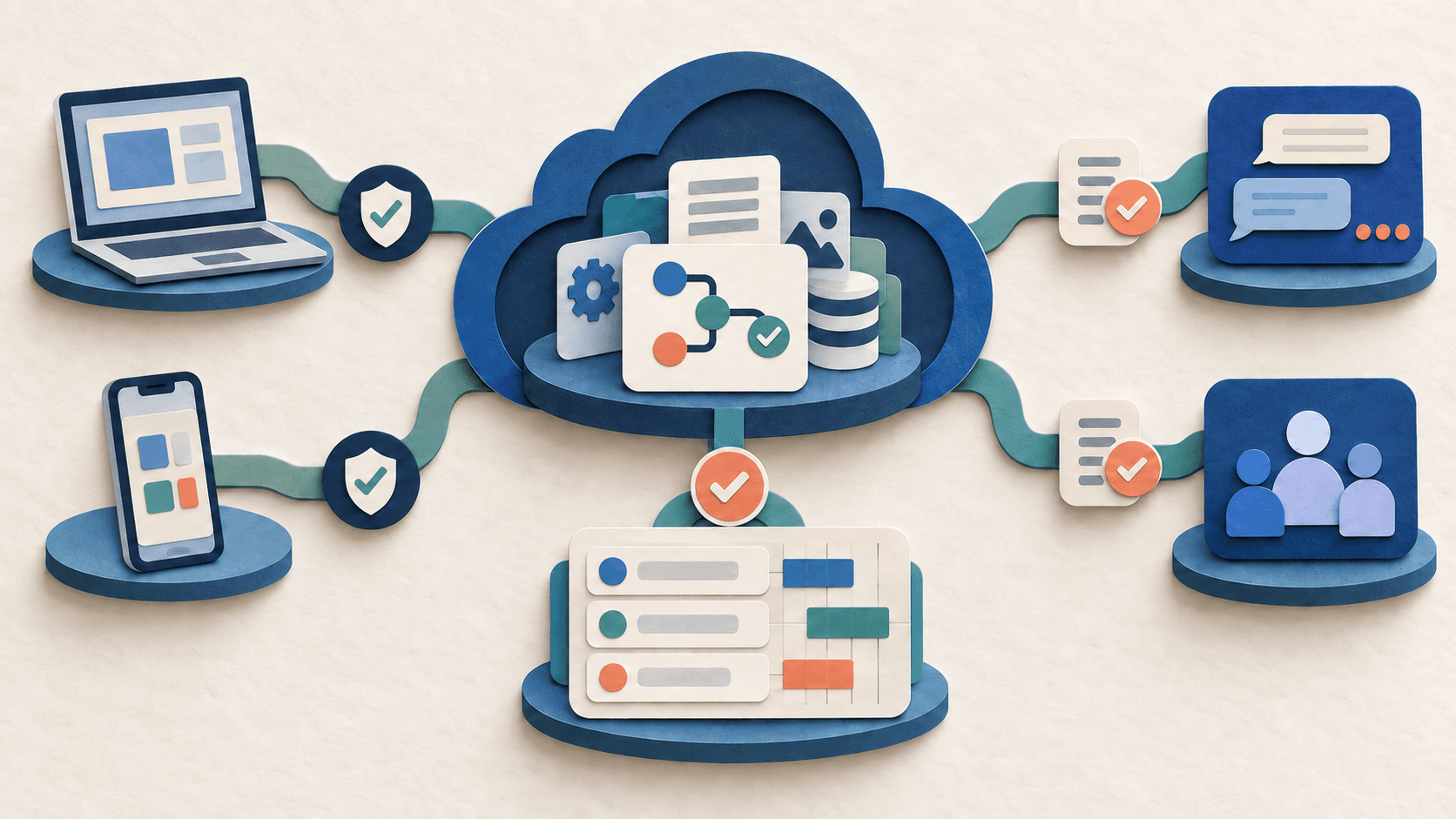
OpenAI says sharing a plugin and granting access to its app connection are separate controls. The connected provider account determines what information and actions a task can reach. Administrators should document the exact account, role, scopes, data domains, write permissions, approvers, and revocation owner for every team connection.
2. Treat environments as versioned dependencies
Codex Cloud tasks run in isolated workspaces, but the reusable environment still shapes dependencies, credentials, network access, and setup behavior. Pin important runtimes, test environment changes against a representative repository, keep secrets out of setup output, and retain a known-good version for rollback.
3. Give recurring tasks an operational owner
Shared maintenance is valuable only when responsibility is explicit. Every scheduled or triggered task needs a business owner, technical owner, input contract, expected output, failure destination, review cadence, budget, expiration date, and kill switch.
4. Design for the audience in the channel
When @ChatGPT responds in Slack or Microsoft Teams, its reply is visible to the conversation’s participants. A response that is appropriate in a private chat may disclose too much in a shared channel. Test membership changes, private-channel boundaries, quoted source material, sensitive summaries, and attempts to draw data from unrelated connected systems.
A practical pilot
Choose one low-consequence weekly task, such as a draft project-status update. Use a read-only connection and a fixed set of approved inputs. Run it manually for two cycles, compare the result with a human-prepared answer, then enable a schedule with review required before posting. Track missing facts, unsupported claims, permission failures, reviewer minutes, model and tool usage, and how quickly the task can be stopped or reassigned.
Bottom line
OpenAI’s September 29 announcements make Enterprise AI more maintainable across people and devices. The purchase case is not merely convenience: it is whether shared environments, connections, and tasks reduce setup and handoff cost while preserving permissions, review, observability, and recovery. Teams should evaluate those operating controls before expanding from one successful workflow to many.
Sources and verification
Product details and claims were checked against the following primary sources.
Frequently asked questions
What did OpenAI announce on September 29, 2026?
OpenAI announced shared Codex Cloud environments, team-configured app connections, shared team tasks, GPT-6.1 Sol rollout, team sharing for Pages and Spaces, and @ChatGPT in Slack and Microsoft Teams for eligible Enterprise use.
Can every ChatGPT user use shared Codex environments?
No. OpenAI describes workspace-shared environments for authorized ChatGPT Enterprise members, subject to cloud access and a separate Manage workspace environments permission.
Does sharing a plugin automatically share a connected account?
No. OpenAI says plugin sharing and access to an app connection are separate settings, and the provider account’s existing permissions determine reachable information and actions.
What should a team pilot first?
Start with one low-consequence, read-only recurring task. Require review before publication and measure accuracy, permission behavior, reviewer time, usage, ownership, and rollback speed.
Tools mentioned in this article
ChatGPT
The general-purpose AI assistant that started it all
OpenAI's flagship conversational AI model, powering everything from casual chat to complex reasoning, coding, and creative work.
Read next