In this guide
Short answer
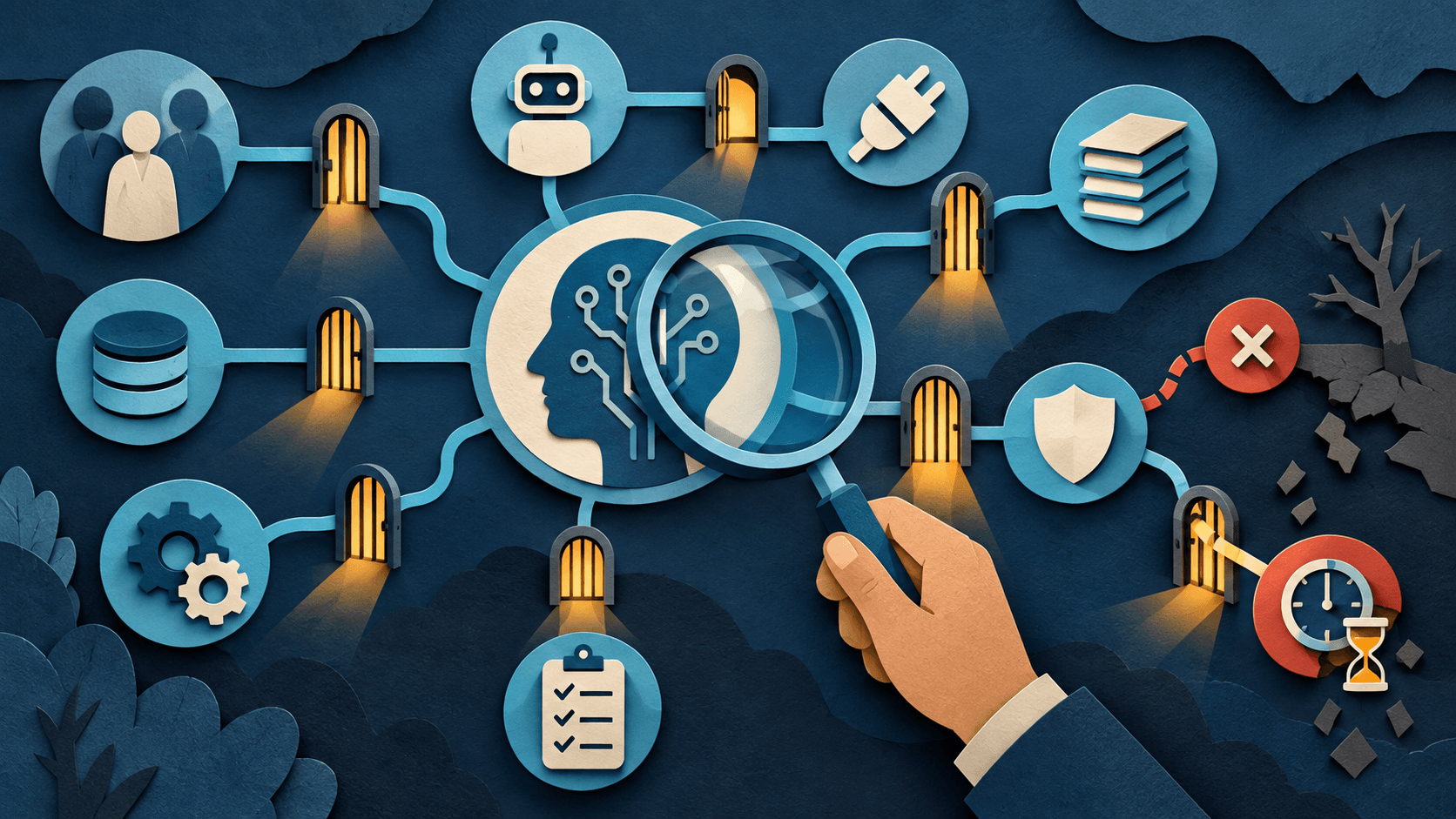
A quarterly AI permissions audit should map every approved AI account, owner, user, service identity, connector, OAuth scope, shared knowledge source, external action, retained artifact, and offboarding path. Remove unused access, narrow broad scopes, rotate exposed credentials, test revocation, and record exceptions with an owner and expiry date.
Free AI governance buyer checklist
Know what the tool can read, write, retain, and trigger.
Get a checklist for access, evidence, security, ownership, and rollback—plus one decision-ready briefing a week.
Build the inventory from evidence
Use identity-provider assignments, vendor admin consoles, expense data, OAuth grants, API-key stores, browser-extension lists, automation platforms, and team interviews. A policy list alone misses shadow AI and abandoned trials.
Review data and action scope separately
Reading a calendar, searching a drive, sending email, editing a CRM record, and issuing a refund have different consequences. For each connection, record data reachable, actions allowed, approval gates, logs, and the smallest workable scope.
Test removal, not just configuration
Disable a test user and revoke a connector. Confirm sessions, tokens, agents, scheduled tasks, shared links, synced indexes, exports, and cached knowledge stop working as expected. Document residual data and deletion timelines.
Close with accountable decisions
Every exception needs a business purpose, risk owner, compensating control, review date, and expiration. Publish a short change log so workflow owners know what was removed or narrowed and how to request access safely.
What readers should do
Run the first audit on the highest-risk workflow rather than the whole company. Produce a one-page access map, remediate critical orphaned or excessive access immediately, and schedule the next review with named security and business owners.
Claims were checked against the linked primary sources on September 20, 2026. Company claims, packaging, and availability are attributed evidence, not independent guarantees.
Transparency
How this guide was checked
Editorial accountability
Who checked this guide
- Evaluation type
- Research-based verification
- Last materially checked
- Evidence
- 4 listed sources
Hands-on testing is identified explicitly. Research-based coverage uses cited product documentation and other named sources; it does not imply every paid plan was used. Read the full methodology.
Editorial basis
What this guidance is based on
- Editorial basis
- Source-led analysis
- Primary references
- 4
- Products covered
- 3
- Last checked
- 2026-09-20
Important limits
- • Announcements and vendor documentation may not generalize to every account.
- • Availability, policy, pricing, and product behavior can change.
Sources and references
References cited by this article. Check the original source for scope, dates and current terms.
Frequently asked questions
How often should AI permissions be audited?
Quarterly is a practical baseline, with additional reviews after major role, vendor, model, connector, or incident changes.
What should the audit inventory?
Accounts, owners, users, service identities, connectors, scopes, knowledge, actions, logs, retained data, and offboarding.
Why test revocation?
A setting can appear disabled while sessions, tokens, scheduled agents, shared links, or cached data remain usable.
Who should own the audit?
Security or IT should partner with the business workflow owner; neither can assess the full risk alone.
Recommended tool
Use ChatGPT if this workflow fits your team
It has one of the clearest workflow fits in its category and is easier to recommend than tools that only look impressive in demos.
Tools mentioned in this article
ChatGPT
The general-purpose AI assistant that started it all
OpenAI's flagship conversational AI model, powering everything from casual chat to complex reasoning, coding, and creative work.
Claude
Anthropic's thoughtful, safety-focused AI with exceptional long-form reasoning
Claude excels at deep analysis, long-form writing, and nuanced reasoning. Built by Anthropic with a focus on safety and helpfulness.
Microsoft Copilot
Workplace AI grounded in Microsoft 365 apps, organizational data, and governed agents
Microsoft Copilot is strongest for organizations already operating in Microsoft 365, but licensing, permission hygiene, content quality, agent usage, and change management determine the return.
Read next