The decision
Should you choose Noats?
Noats is a promising Mac meeting-notes candidate when local processing matters; evaluate the beta on your own calls before replacing a dependable recorder.
Best for
Noats is a promising Mac meeting-notes candidate when local processing matters; evaluate the beta on your own calls before replacing a dependable recorder..
Choose something else if
Beta reliability needs evaluation; Own-microphone speaker separation is limited
Evidence
Verified research · rating withheld
Pricing checked
No paid entry price required · 2026-10-11
No verified permanent free plan is recorded.
See dated plan and usage details
In this guide
Short answer
Noats is a promising Mac meeting-notes candidate when local processing matters; evaluate the beta on your own calls before replacing a dependable recorder.
How this review was researched
This official-source research review was checked October 11, 2026. The candidate came from the site’s submissions queue. We have not used the product, benchmarked output or audited security. Vendor claims are attributed; ratings are withheld. The buyer exercise below is a proposed test, not a report of results.
What the product documents
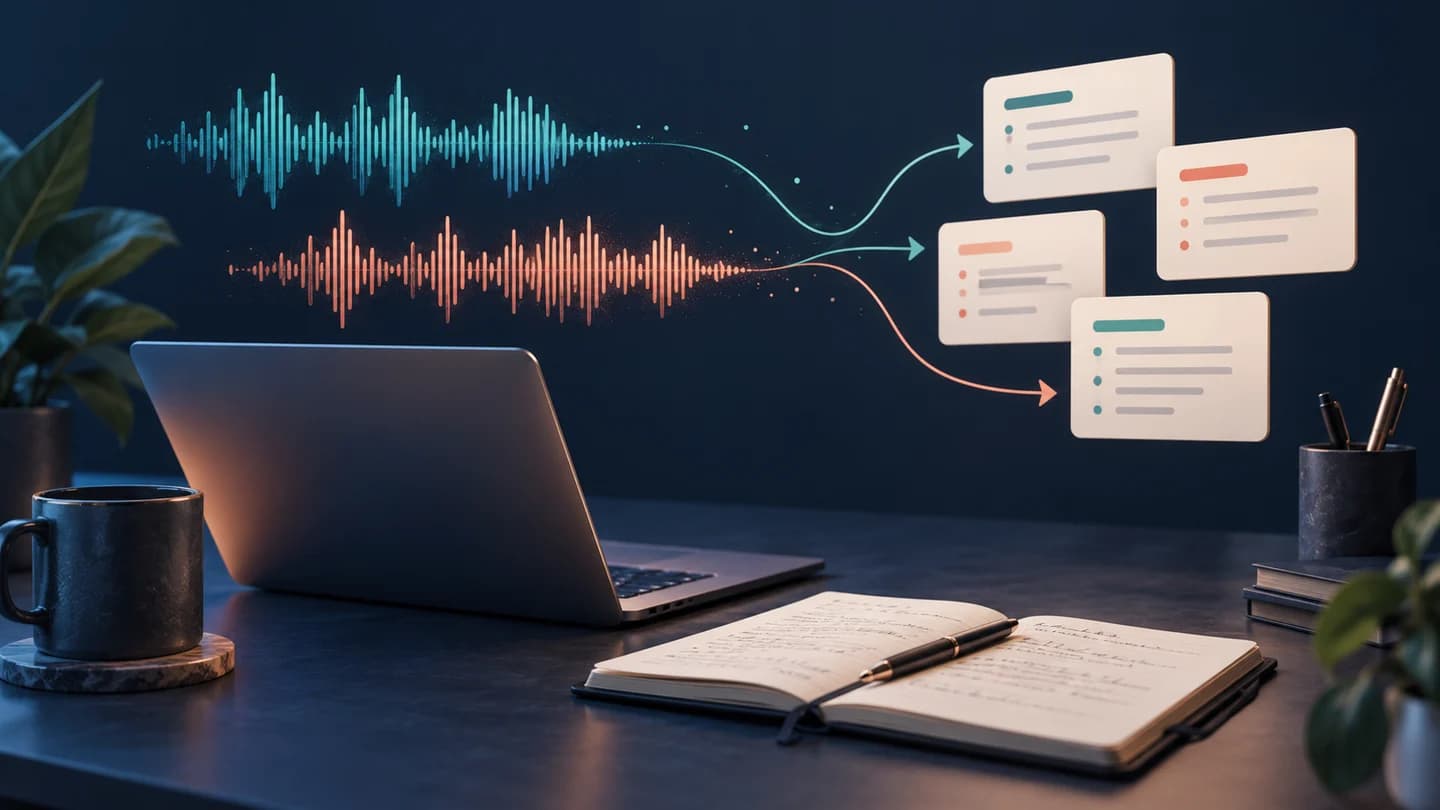
The product page describes live transcription, speaker labels, transcript-linked write-ups and markdown export. Rough notes remain available beside the enhanced version. No bot joins the meeting. A key limit: voices arriving through computer audio can be separated, but an in-person meeting captured through your own microphone stays one speaker in the documented workflow. Granola imports bring finished notes and transcripts, but not audio replay.
Pricing and plan boundaries
Noats is free during beta. The developer expects an ongoing free version, but that is an intention rather than a published permanent entitlement. No settled paid-plan price was found in the FAQ. Optional external providers can introduce separate account or API costs.
Privacy and limitations
The privacy policy says notes, recordings and transcripts stay on your disk by default. Connecting a cloud provider sends the content needed for the request to that provider. Local storage still needs device protection and backup planning. Obtain participant permission before recording; the absence of a meeting bot does not establish consent.
A proposed buyer test
Arrange a short, consented mock call with three participants. Include an unfamiliar product name, a corrected deadline and an action item that is discussed but rejected. Keep a human answer sheet. Inspect speaker assignments, negations and the final date before judging the summary.
Ask where each action item came from and follow its transcript reference. Compare the finished note with your rough version. Switch microphones during the exercise and check the captured audio around the transition. Try a separate room recording to see whether the documented own-microphone speaker limitation fits your use.
Download the required models, then evaluate local mode without a connection. Measure performance on your actual Mac rather than relying on a vendor demonstration. Export markdown, reopen it in another editor and check that your notes remain useful without Noats. Decide on a retention policy for audio before keeping real meetings.
Alternatives and verdict
Compare with a conventional recorder plus manual notes if reliable capture is your main requirement. A cloud meeting assistant may suit shared team workflows better, while Noats deserves a pilot when you want local control and editable personal notes.
Review the tool profile, compare other tool reviews, and save your requirements in the Decision Workspace. No tracked affiliate link was supplied for this review.
Transparency
How this guide was checked
Editorial accountability
Who checked this guide
- Evaluation type
- Hands-on evaluation
- Last materially checked
- Evidence
- 2 listed sources
Hands-on testing is identified explicitly. Research-based coverage uses cited product documentation and other named sources; it does not imply every paid plan was used. Read the full methodology.
Editorial freshness
Pricing and material product claims were checked October 11, 2026.
Review evidence
What this guidance is based on
- Evidence type
- Official-source research; no hands-on testing
- Sources checked
- October 11, 2026
- Rating status
- Not rated
Important limits
- • No hands-on output or performance testing.
- • No independent privacy or security audit.
- • Confirm pricing and account entitlements before purchase.
Standardized benchmark coverage
How this review maps to the research benchmark
Citation accuracy
Eligible · not yet runThis review describes source-grounded research, retrieval, or document work. A controlled product run is required before scoring.
Read protocol v2026.10-v1 →Thematic analysis
Eligible · not yet runThis review describes analysis of interviews, surveys, transcripts, feedback, or other qualitative evidence. A controlled product run is required before scoring.
Read protocol v2026.10-v1 →Eligibility is not a product score. DiscoverAI publishes results only after output collection, blinded adjudication, reproducibility checks, and severe-error review.
Open the optional evaluation worksheet
Reusable trial worksheet
Test Noats before you commit
Turn this review’s buyer test into evidence. Your entries autosave only in this browser and are never added to shared shortlist links.
Confirm the tool meets every must-have workflow and stakeholder requirement.
Review starting point: Noats is a promising Mac meeting-notes candidate when local processing matters; evaluate the beta on your own calls before replacing a dependable recorder.
Run the same representative work you would use in production; do not score a polished demo.
Review starting point: Run a bounded set of representative tasks with known acceptable outcomes, then compare the result with your current workflow.
Calculate the effective cost per accepted result, including usage, review, corrections, and required add-ons.
Review starting point: Noats is free during beta. The developer expects an ongoing free version, but that is an intention rather than a published permanent entitlement. No settled paid-plan price was found in the FAQ. Optional external providers can introduce separate account or API costs.
Define an acceptance threshold, test known answers and edge cases, and record every correction.
Review starting point: Editorial quality signals: features 0.0/5. Validate these signals in your own work.
Verify what data enters the product, who can access it, how long it is retained, and whether it trains models.
Review starting point: Use approved low-risk data first. Check roles, consent, deletion, subprocessors, model-training settings, and the contract—not only the marketing page.
Test the real handoffs, permissions, failure states, and export path your team depends on.
Review starting point: Noats integration requirements are not fully structured in this review; list every required system and test each connection.
Record training, governance, reliability, accessibility, ownership, and change-management risks before rollout.
Review starting point: Beta reliability needs evaluation; Own-microphone speaker separation is limited; Cloud options change the processing boundary
Loading saved worksheet… · private to this device or your optional account
Community evidence
How verified users put Noats to work
Structured, editor-moderated experience—not star ratings. This complements our independent review and never changes its score.
No approved community evidence yet. Be the first verified user to contribute.
Sources and verification
Product details and claims were checked against the following primary sources.
Frequently asked questions
Has DiscoverAI tested Noats?
No. This is official-source research, with ratings withheld and a proposed buyer test.
Is Noats always local?
Local processing is the default. Optional external providers receive the content necessary for their requests.
Recommended tool
Use Noats if this workflow fits your team
Noats is a promising Mac meeting-notes candidate when local processing matters; evaluate the beta on your own calls before replacing a dependable recorder.
Tools mentioned in this article
Noats
Noats is a promising Mac meeting-notes candidate when local processing matters; evaluate the beta on your own calls before replacing a dependable recorder.
Noats is a promising Mac meeting-notes candidate when local processing matters; evaluate the beta on your own calls before replacing a dependable recorder.
Read next