In this guide
Short answer
Cursor Origin brings repository hosting into Cursor, alongside code browsing, pull requests and agents. It gives existing Cursor users another place to manage projects, but teams should evaluate a small repository before moving their development process.
Cursor announced the early-beta rollout on August 17, 2026. This explainer checks the current documentation as of October 10; it is not a hands-on review or a claim that the launch happened today.
What Cursor announced
The launch announcement describes repositories, reviewable changes and GitHub synchronization within Cursor's Codebase area. It also places agents alongside repository work: users can ask about code and have an agent prepare changes or update a pull request.
Our interpretation is that this broadens Cursor's role from helping write software to managing more of the collaboration around it. Whether that reduces effort depends on the team's existing review and release process. Hosting alone does not establish code quality or faster delivery.
Origin hosting and GitHub mirroring are different
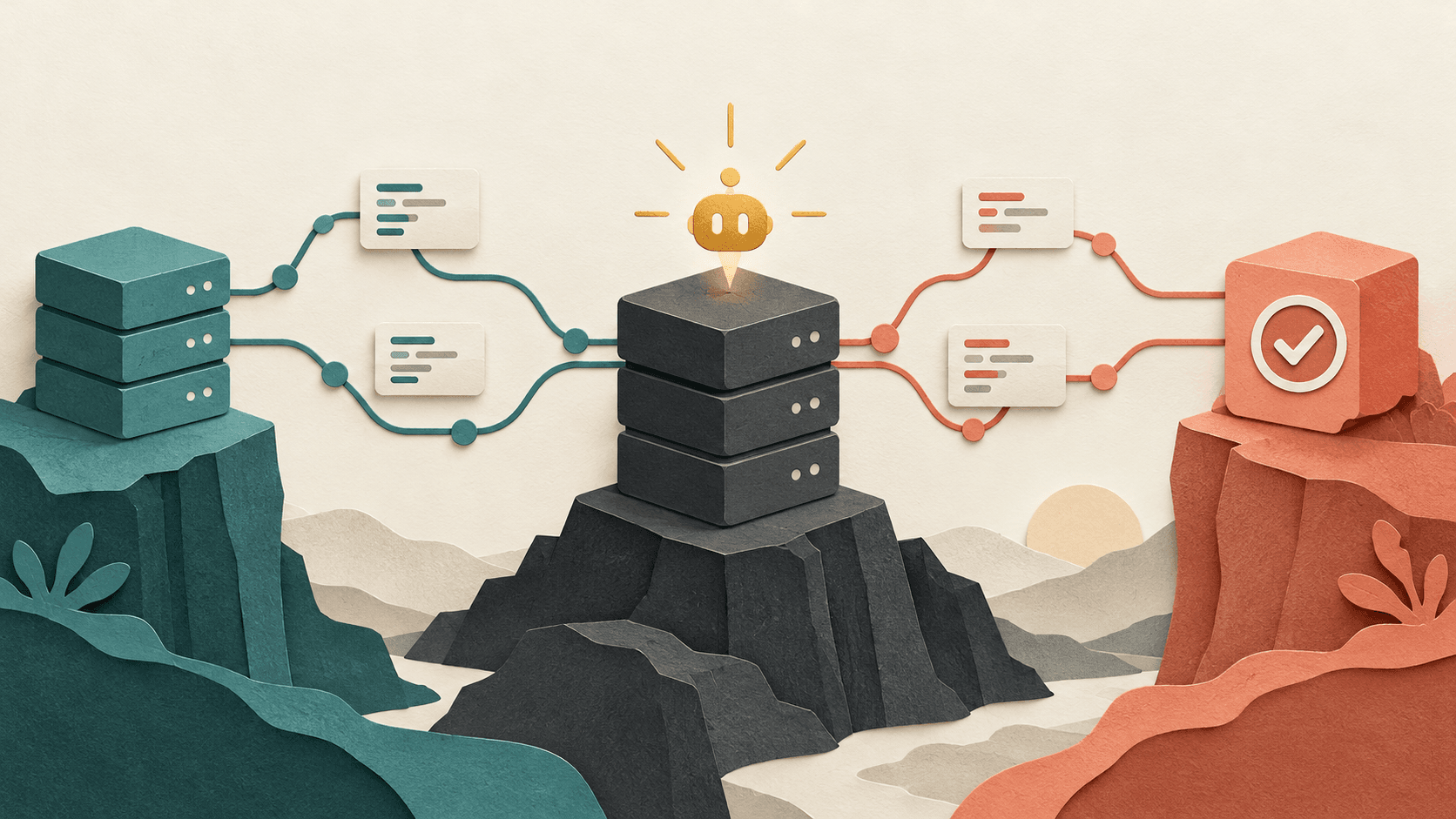
For a repository hosted directly on Origin, Origin holds the authoritative code and receives pushes. For a synced GitHub repository, GitHub remains authoritative and Origin mirrors it. The announcement also describes synchronized pull-request interactions across the two interfaces. Cursor's launch explanation makes this distinction explicit.
That distinction matters when planning a move. Seeing a GitHub project inside Cursor does not mean you have transferred its hosting or removed its dependency on GitHub. Write down where developers should push changes and which service owns the release process before introducing another interface.
Access and setup: what the beta requires
The Origin overview lists paid plans as eligible for code storage and says access opens in stages. A paid subscription therefore does not guarantee that the feature is already visible in a particular account. Teams establish a codebase namespace during setup; the documentation says that name cannot be changed during beta.
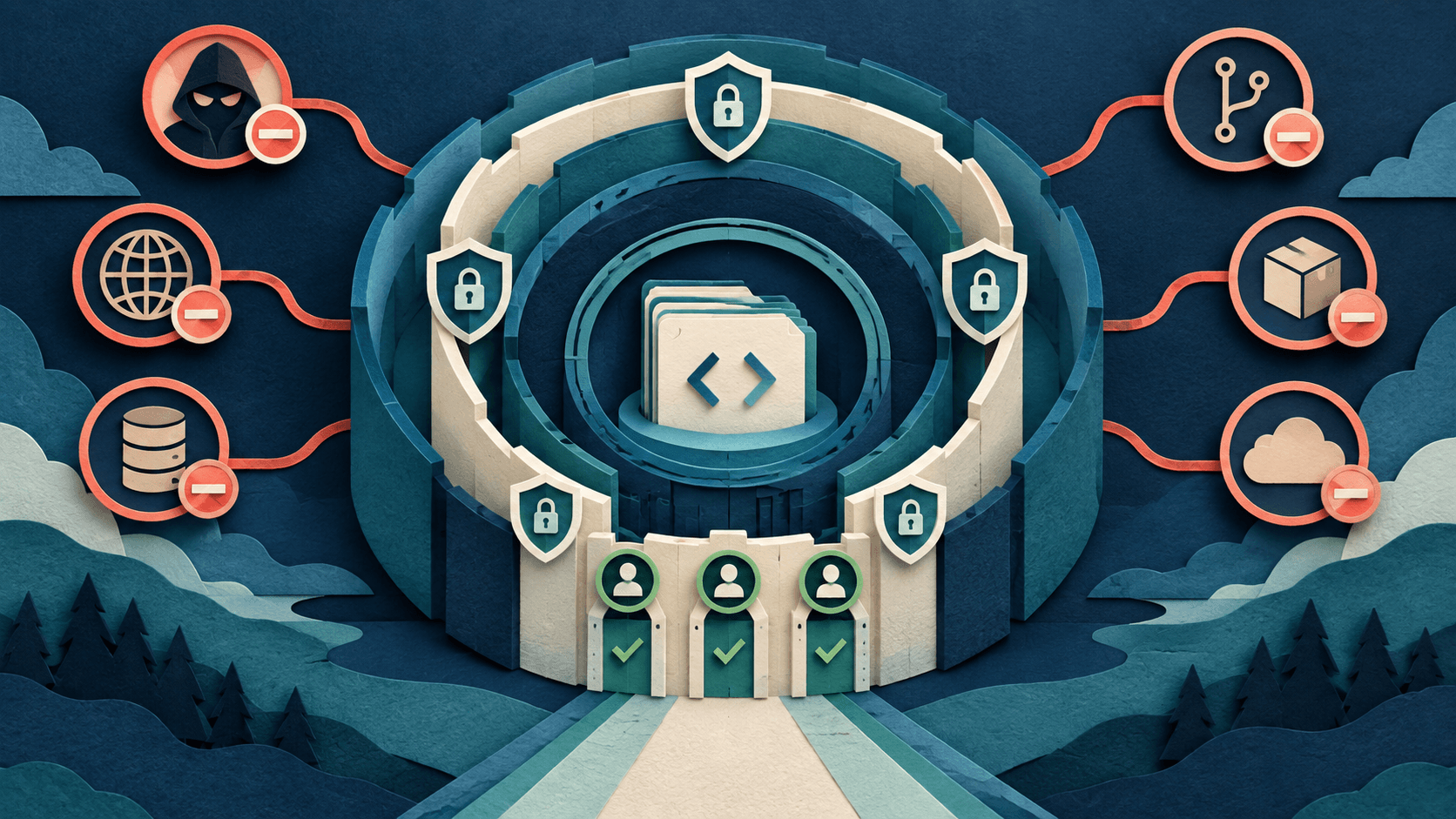
The same page says Origin uses the namespace owner's Privacy Mode, and teams using legacy privacy mode must switch before enabling it. Review the owning account's settings before adding company code. This article does not independently assess storage security or compliance.
The repository creation guide covers creating a repository and pushing a local project. Standard Git remains part of the workflow. Origin is a hosting service, rather than a replacement version-control format.
CI and deployments need a separate check
Origin Apps documentation describes Vercel deployment integration and CI integrations with Depot and Buildkite. It explicitly limits the latter two to Origin-hosted repositories; mirrored GitHub repositories keep their CI on GitHub.
Treat each integration as a dependency to evaluate. Check that your required tests run, their results are visible to reviewers, and production releases follow the intended approval process. A preview deployment is useful evidence that an application starts; it does not replace functional testing or a release decision.
A practical pilot before migrating a team
The following is our proposed evaluation, not a test we have performed. Pick a disposable project with representative tests and no sensitive data. Keep a separate local clone so the trial is recoverable.
- Choose the hosting model. Record whether the trial is a GitHub mirror or an Origin-hosted repository, and identify the authoritative remote.
- Test the complete change cycle. Push a branch, open a pull request, request review, run checks, merge and inspect the resulting commit locally.
- Check permissions. Have an authorized teammate try the actions their role requires. Confirm that access removal behaves as expected before broadening use.
- Try an agent on a bounded task. Ask for a small change with written acceptance criteria. Inspect the diff and tests, recording both agent time and human correction time.
- Rehearse recovery. Export or clone the code and demonstrate how the team would continue if the service or integration became unavailable.
Inventory the features your current forge supplies: issue tracking, release artifacts, branch policies, automation, audit records and external integrations. Verify each requirement against current Origin documentation or your pilot. Do not infer feature parity from familiar repository screens.
Who should consider Origin now?
A small team already using Cursor may find a contained pilot worthwhile, especially for a new project with few external dependencies. An established team with extensive automation should map those dependencies first. The decision should rest on a completed workflow and a workable exit path, rather than the appeal of consolidating screens.
For broader product context, visit the [Cursor profile](/tools/cursor). To compare coding tools for your workflow, explore the [AI tool library](/tools). We will revisit this coverage when Origin's beta status or documented capabilities materially change.
Transparency
How this guide was checked
Editorial accountability
Who checked this guide
- Evaluation type
- Research-based verification
- Last materially checked
- Evidence
- 4 listed sources
Hands-on testing is identified explicitly. Research-based coverage uses cited product documentation and other named sources; it does not imply every paid plan was used. Read the full methodology.
Editorial basis
What this guidance is based on
- Editorial basis
- Source-led analysis
- Primary references
- 4
- Products covered
- 1
- Last checked
- 2026-10-10
Important limits
- • DiscoverAI has not tested Origin, measured sync reliability or verified migration compatibility.
- • Origin remains early beta. Account access, integrations and commercial terms may change.
Sources and verification
Product details and claims were checked against the following primary sources.
Frequently asked questions
What is Cursor Origin?
Origin is Cursor's code-hosting service, currently in early beta, with Git repositories, code browsing and pull requests.
Does Origin replace Git?
No. Origin supports standard Git operations; it provides a hosting and collaboration layer.
Can I keep GitHub as my main repository?
Yes. For mirrored repositories, GitHub remains authoritative and Origin keeps a copy. This differs from a repository hosted natively on Origin.
Is Origin available on the free plan?
Cursor's current documentation says code storage requires a paid plan, with access opening in stages.
Does mirroring move GitHub CI to Origin?
No. Cursor says mirrored repositories keep CI on GitHub; its Depot and Buildkite apps work on Origin-hosted repositories.
Tools mentioned in this article
Cursor
The AI-first code editor that feels like the future of programming
Cursor is a VS Code fork rebuilt from the ground up around AI. It understands your entire codebase and can make multi-file changes with natural language commands.
Read next