The decision
Should you choose WhisperWeb?
People preparing short transcripts or captions on a suitable desktop
Best for
People preparing short transcripts or captions on a suitable desktop.
Choose something else if
you have not defined the workflow and acceptance criteria yet.
Evidence
Verified research · rating withheld
Pricing checked
No paid entry price required · Oct 27, 2026
No verified permanent free plan is recorded.
Confirm billing, usage limits, seats, and renewal terms with the vendor.
In this guide
Short answer
Consider WhisperWeb for turning a short recording into text or captions without an account. Its documented local processing is useful when you want to avoid a cloud transcription upload. You still need enough device memory and time to correct the output. It is less suitable when you need shared project management or a verified mobile workflow.
Free buyer comparison checklist
Compare this tool before committing.
Use the buyer checklist to compare two tools on the same tasks, including quality, review time and total cost. Get the weekly top 5 AI tools, one practical workflow and one way to reduce AI spending.
Evidence and review scope
This research review follows submission #337. We read the official website on October 27, 2026, including its workflow and FAQ. We did not run recognition, inspect network traffic or benchmark accuracy. Privacy and compatibility statements below are vendor documentation, not an independent audit. Ratings are withheld and links are not affiliate links.
What the product documents
The WhisperWeb workspace describes browser-based Whisper recognition, editable text and timing, and TXT, SRT and VTT exports. It lists a 200 MB and 20-minute limit per file. Tiny, base and small model options trade download size and device demands; base is the default. The first run downloads a model.
The site says selected recordings and results stay in the browser. It also offers optional anonymous usage counts. Local recognition does not mean the webpage and model arrive without network requests. Its compatibility note names desktop Chrome on macOS as tested and explicitly avoids claiming verified real-phone recognition. Translation to English is documented; arbitrary translation targets and dubbing are not.
Price and operating costs
The official page describes transcription and exports as free without signup or an API key. There is no cloud project storage in the documented workflow. Save your output before leaving. Your practical cost is device time and proofreading; free recognition can still be expensive if the source contains difficult terminology.
Proposed pilot: one known recording
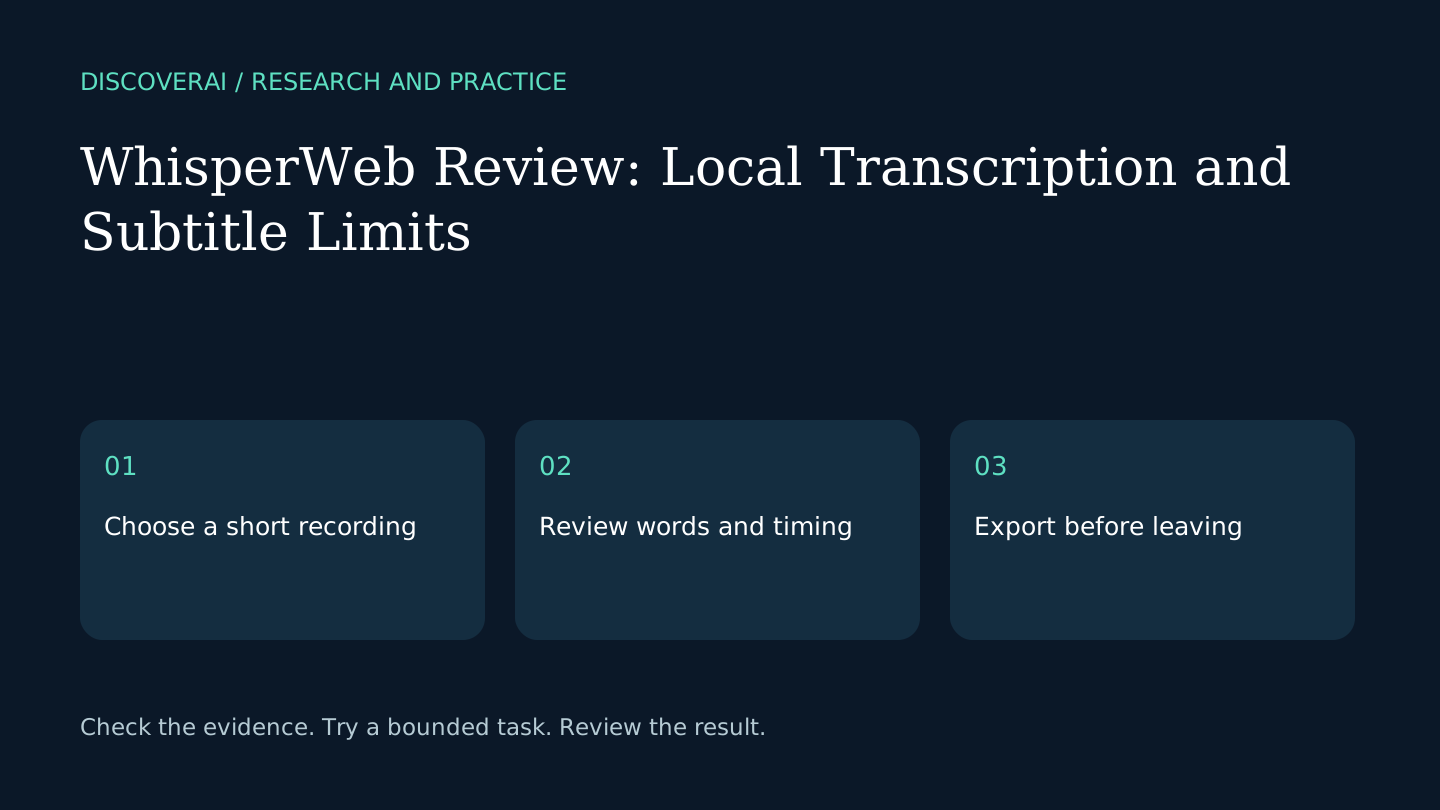
Make a one-minute recording you are allowed to process. Include a name, a date, a price, a short silence and a sentence with a correction. Keep the script as your answer key. Start with the default model and record processing time on the device you will actually use.
Check whether a correction is recognized as a correction. A transcript that retains an abandoned price can mislead someone using it as a business record. Mark uncertain passages instead of repairing them from memory. If two speakers overlap, replay the original rather than assuming the model separated them correctly.
Export is part of the test
Download both plain text and the caption format your destination accepts. Open the caption file in the actual player or editor. Check the beginning, middle and final spoken line for timing drift. Keep the recording and export together until the published version is approved.
For a long recording, preserve the original and use ordered excerpts within the documented limits. Track each excerpt’s original start time before combining captions. Do not assume separate files retain a common timeline automatically.
Who should choose another workflow?
Teams needing live collaboration, automatic meeting attendance or centralized retention should evaluate those requirements separately. This review does not establish those capabilities. Start with our caption timing checklist, see the WhisperWeb profile, and record nonnegotiable requirements in the buyer checklist.
Transparency
How this guide was checked
Editorial accountability
Who checked this guide
- Evaluation type
- Research-based verification
- Last materially checked
- Evidence
- 1 listed sources
Hands-on testing is identified explicitly. Research-based coverage uses cited product documentation and other named sources; it does not imply every paid plan was used. Read the full methodology.
Editorial freshness
Pricing and material product claims were checked October 27, 2026.
Editorial basis
What this guidance is based on
- Editorial basis
- Source-led analysis
- Primary references
- 1
- Products covered
- 1
- Last checked
- 2026-10-27
Important limits
- • Features, availability, and pricing can change after publication; confirm consequential details with the provider.
Standardized benchmark coverage
How this review maps to the research benchmark
Citation accuracy
Not applicableThe reviewed workflow does not produce source-grounded research answers, so a citation score would be misleading.
Read protocol v2026.10-v1 →Thematic analysis
Not applicableThe reviewed workflow is not qualitative evidence analysis, so a thematic-analysis score would be misleading.
Read protocol v2026.10-v1 →Eligibility is not a product score. DiscoverAI publishes results only after output collection, blinded adjudication, reproducibility checks, and severe-error review.
Open the optional evaluation worksheet
Reusable trial worksheet
Test WhisperWeb before you commit
Turn this review’s buyer test into evidence. Your entries autosave only in this browser and are never added to shared shortlist links.
Confirm the tool meets every must-have workflow and stakeholder requirement.
Review starting point: People preparing short transcripts or captions on a suitable desktop
Run the same representative work you would use in production; do not score a polished demo.
Review starting point: Run a bounded set of representative tasks with known acceptable outcomes, then compare the result with your current workflow.
Calculate the effective cost per accepted result, including usage, review, corrections, and required add-ons.
Review starting point: Official page: free local transcription and exports without signup; 200 MB and 20 minutes per file. Device resources and proofreading still matter.
Define an acceptance threshold, test known answers and edge cases, and record every correction.
Review starting point: Editorial quality signals: features 0.0/5. Validate these signals in your own work.
Verify what data enters the product, who can access it, how long it is retained, and whether it trains models.
Review starting point: Use approved low-risk data first. Check roles, consent, deletion, subprocessors, model-training settings, and the contract—not only the marketing page.
Test the real handoffs, permissions, failure states, and export path your team depends on.
Review starting point: WhisperWeb integration requirements are not fully structured in this review; list every required system and test each connection.
Record training, governance, reliability, accessibility, ownership, and change-management risks before rollout.
Review starting point: Accuracy not independently tested; Real-phone recognition not verified by vendor; No cloud project storage
Loading saved worksheet… · private to this device or your optional account
Community evidence
How verified users put WhisperWeb to work
Structured, editor-moderated experience—not star ratings. This complements our independent review and never changes its score.
No approved community evidence yet. Be the first verified user to contribute.
Community choice
Recommend WhisperWeb
Loading weekly votes…
One vote per verified account per tool, counted for seven days. Return after your vote expires to support again. Community votes influence homepage trends, never editorial ratings. Voting does not subscribe you to emails.
Sources and references
References cited by this article. Check the original source for scope, dates and current terms.
Frequently asked questions
Is WhisperWeb free?
Its official page describes local transcription and TXT/SRT/VTT exports as free without signup.
Has local processing been independently verified here?
No. This review evaluates official documentation, not runtime network behavior.
Can it transcribe any length of recording?
The checked page lists 200 MB and 20 minutes per file. Longer recordings need preparation.
Tools mentioned in this article
WhisperWeb
Review WhisperWeb’s free local transcription, file limits and subtitle exports. Learn what to check on your device before relying on a generated transcript.
Review WhisperWeb’s free local transcription, file limits and subtitle exports. Learn what to check on your device before relying on a generated transcript.