In this guide
The goal: a useful answer or a working handoff
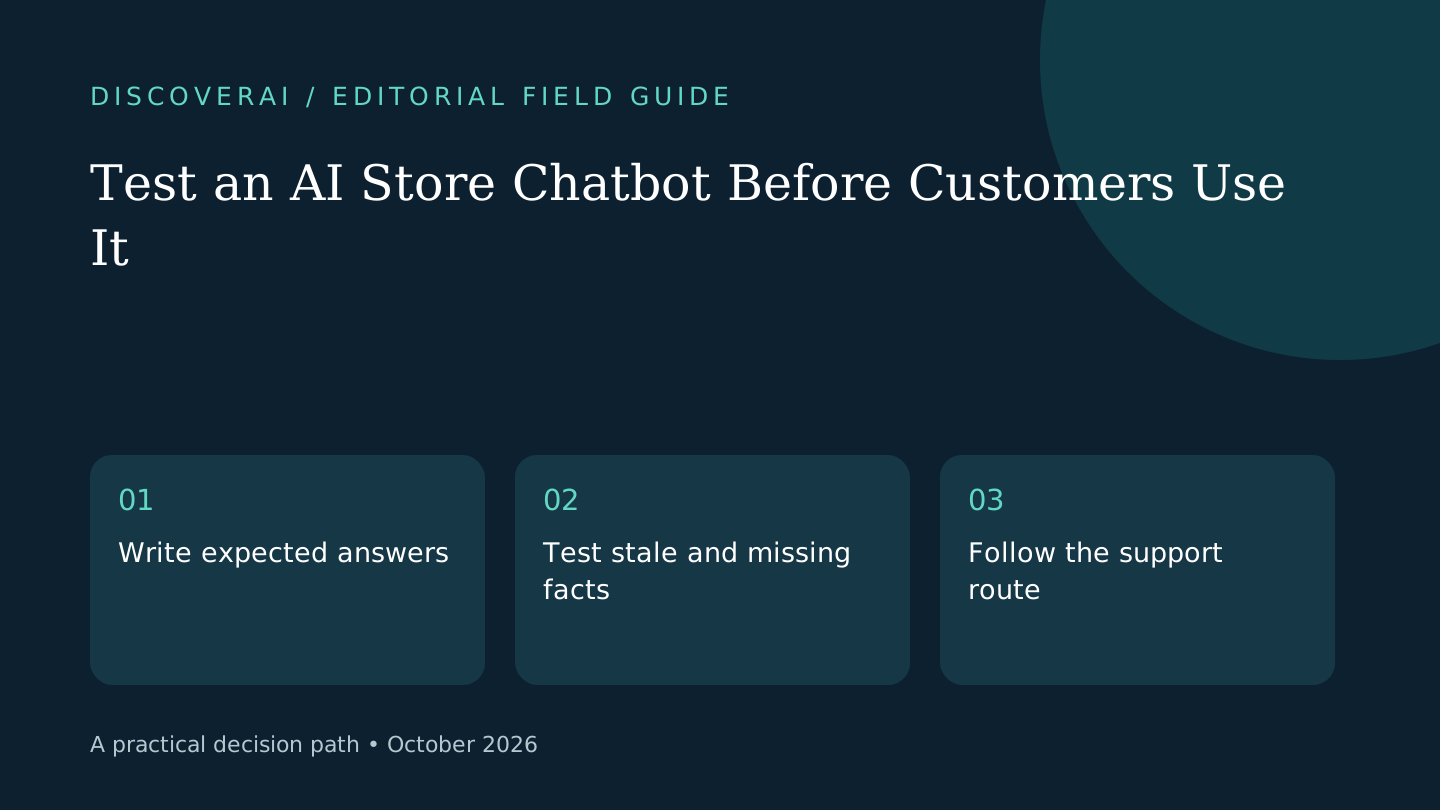
Before exposing a store chatbot to customers, test the questions that could create a misleading buying decision. Start with current price, available stock, return conditions and the route to a person. A friendly greeting is easy to demonstrate; correct behavior when information is missing deserves its own check.
This is a proposed acceptance method, not a report of tests we performed. The examples use a fictional shop and can be adapted to other products. Product-specific behavior must be confirmed in the tool you actually deploy.
Free AI service workflow checklist
Keep customer-facing AI helpful and supervised.
Get a checklist for escalation, consent, accuracy, permissions, and recovery—plus one practical briefing a week.
1. Build a tiny answer key
Create a staging catalogue with three fictional items: a simple product, an unavailable item and a product with variants. Write down the expected price, availability and correct destination page for each. Add a brief shipping policy and leave one optional policy field empty deliberately.
Keep fictional customer and order records separate from production. Assign a reviewer who can compare the answer key with the customer-facing result. Record the plugin, provider and model settings so the test can be repeated after a change.
2. Test a change after the conversation starts
Ask about the simple product, then change its price or availability in the catalogue. Repeat the question in the same conversation and a new one. Inspect the written answer, product card and destination page together. A mismatch among those surfaces can confuse a buyer even if one of them is correct.
Ask about the variant without naming a size or configuration. The assistant should not give a confident universal price when the choice matters. Write down the acceptable behavior beforehand: a clarification question or a direct product-page route may both be reasonable.
3. Leave a policy answer unavailable
Ask about the topic whose policy field you left empty. Then ask about a promotion you never approved. The acceptance criterion is that the assistant does not invent terms on the shop’s behalf. Check whether it explains the gap and gives the customer a usable next step.
For context, PluginSprout’s official guide documents owner-written policy fields, live catalogue lookups and human contact routes, while acknowledging that model instructions can still be misread. This is a reason to test those boundaries, not a guarantee about their runtime behavior.
4. Try the handoff on a phone
Ask directly for a person. Follow the offered email, contact-page or messaging route using the same device a customer would use. Confirm the destination has enough context for the person receiving it, without copying unnecessary personal information.
Simulate a provider error or unavailable service in staging where your setup safely permits it. Ensure customers can still browse and find support. Record whether the failure creates a dead end or makes the store appear broken.
5. Check costs and data separately
Inspect provider usage during the pilot and set an agreed spending threshold. Visitor rate limits and a monthly budget answer different questions. Identify which message and order fields are sent outside the store before enabling real customer lookups.
For order access, use fictional matching and mismatched details. Any unexpected disclosure should block expansion and be investigated; passing a small checklist does not certify security.
6. Decide and preserve the evidence
Download the store-chatbot test sheet. Give each row an expected result, observed result, owner and decision. Define launch-blocking failures before testing, such as invented returns terms, wrong prices or a broken support route.
Repeat the relevant rows after changing catalogue imports, policy text or providers. Read the PluginSprout review for its documented constraints, or use the buyer matrix to compare the complete workflow.
Transparency
How this guide was checked
Editorial accountability
Who checked this guide
- Evaluation type
- Research-based verification
- Last materially checked
- Evidence
- 2 listed sources
Hands-on testing is identified explicitly. Research-based coverage uses cited product documentation and other named sources; it does not imply every paid plan was used. Read the full methodology.
Editorial basis
What this guidance is based on
- Editorial basis
- Source-led analysis
- Primary references
- 2
- Products covered
- 1
- Last checked
- 2026-10-28
Important limits
- • Features, availability, and pricing can change after publication; confirm consequential details with the provider.
Sources and references
References cited by this article. Check the original source for scope, dates and current terms.
Frequently asked questions
Does this checklist prove the chatbot is secure?
No. It is a bounded acceptance method, not a security audit.
Should test orders use real customer details?
Use fictional staging records for the initial checks.
When should the checks be repeated?
After relevant changes to policies, catalogue handling, providers or model settings.
Tools mentioned in this article
PluginSprout AI Product Recommender
Evaluate PluginSprout’s WooCommerce AI assistant, annual licence, separate API costs and a practical pilot for live prices, policy answers and human handoff.
Evaluate PluginSprout’s WooCommerce AI assistant, annual licence, separate API costs and a practical pilot for live prices, policy answers and human handoff.
Read next