Meta AI Recurring Tasks: How Its New Agent Uses Email, Calendar, and Research
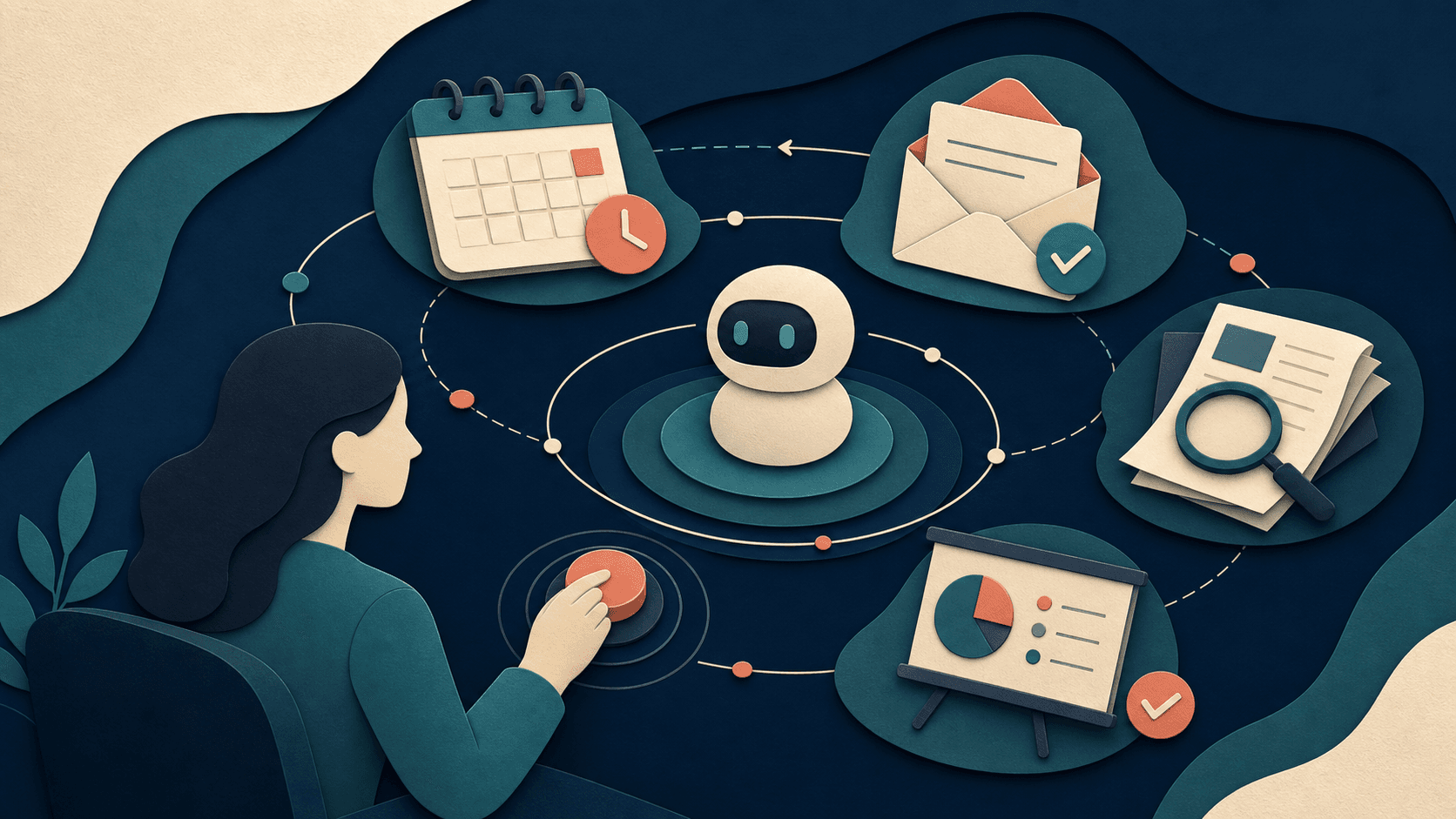
Meta AI can now maintain plans, prepare daily briefings, research topics, and create slides. Delegation is becoming continuous rather than one prompt at a time.
Bottom line
Meta AI now handles recurring tasks, daily briefings, research, and slides in select markets. Here is what to delegate, what to verify, and what access implies.
Editorial accountability
Who checked this guide
- Evaluation type
- Research-based verification
- Last materially checked
- Evidence
- 3 listed sources
Hands-on testing is identified explicitly. Research-based coverage uses cited product documentation and other named sources; it does not imply every paid plan was used. Read the full methodology.
Editorial basis
What this guidance is based on
- Editorial basis
- Source-led analysis
- Primary references
- 3
- Products covered
- 0
- Last checked
- 2026-08-19
Important limits
- • Features, availability, and pricing can change after publication; confirm consequential details with the provider.
In this guide
*This research-based analysis covers Meta's July 24, 2026 announcement. We have not independently audited task reliability, app permissions, privacy controls, or regional availability.*
The short answer
Meta says its Muse Spark 1.1-powered assistant can make plans, connect with email and calendar apps, produce daily briefings, conduct research, create slides, and keep recurring tasks running without a fresh prompt each time. The features began rolling out in select markets in the Meta AI app and on meta.ai, with more surfaces planned.
This is a meaningful change from conversational assistance to delegated work. The benefit is continuity. The risk is also continuity: a weak instruction, stale preference, excessive permission, or missed context can affect repeated outputs until someone notices.
What Meta AI can do
Meta gives examples such as a weekly training plan, scheduled trend updates, restaurant planning, Marketplace research, personalized briefings, research reports, mood boards, and slide creation. Users can steer work while it is in progress, according to the announcement.
These are provider examples, not guarantees for every account. Availability may depend on market, account, connected services, and rollout stage. A user should inspect the permissions and confirmation screen shown in their own account.
What to delegate first
Choose tasks that are reversible, easy to inspect, and low consequence: a draft briefing, research shortlist, schedule suggestion, or weekly reminder. Avoid beginning with financial transactions, sensitive communications, medical decisions, or anything that can create a commitment without review.
For each recurring task, define the source scope, cadence, output format, stop condition, and actions that always require approval. Review the first several runs and create a calendar reminder to revisit permissions and usefulness.
Email and calendar access
Connected apps make an assistant more useful because they provide real context. They also create a larger privacy and security boundary. Before connecting an account, review what the assistant can read, whether it can write or send, how to revoke access, how long data is retained, and whether the account contains confidential third-party information.
A separate calendar or low-risk email workflow may be a safer pilot than granting broad access to a primary business account. Organizations should use approved accounts and documented policies rather than individual employees connecting systems informally.
The larger trend
The competition among AI assistants is moving from answer quality to trusted execution. Model benchmarks matter less when the product cannot remember the job, access the right context, or return a useful artifact on schedule.
The winning assistant will not simply do more. It will make permissions, review points, activity history, error recovery, and deletion understandable enough that people can delegate without losing control.
Sources and verification
Product details and claims were checked against the following primary sources.
Frequently asked questions
Can Meta AI run recurring tasks?
Meta says users can set ongoing tasks such as weekly plans, daily briefings, and scheduled topic updates once and receive future results without re-prompting.
Does Meta AI connect to email and calendars?
Meta says the assistant can work with email and calendar apps. Exact connectors, permissions, and availability can vary by account and market.
Is Meta AI's agent available everywhere?
No universal availability was promised. Meta said the features began rolling out in select markets, with broader countries and surfaces planned.
What should I delegate to an AI agent first?
Start with a reversible, low-risk draft or briefing that is easy to inspect. Keep payments, messages, and consequential actions behind explicit human approval.
Read next