The decision
Should you choose LipSyncTool?
Consider for creators testing short talking clips with authorized, non-confidential media; validate the documented limits with a small pilot.
Best for
Creators testing short talking clips with authorized, non-confidential media.
Choose something else if
Confidential media under the documented direct-link arrangement
Evidence
Verified research · rating withheld
Pricing checked
See current vendor pricing · Nov 14, 2026
Free access is available, with limits.
Conditional verified-account trial for a video up to ten seconds plus uploaded or recorded audio; photos and text-to-speech excluded; limited daily slots.
In this guide
Short answer
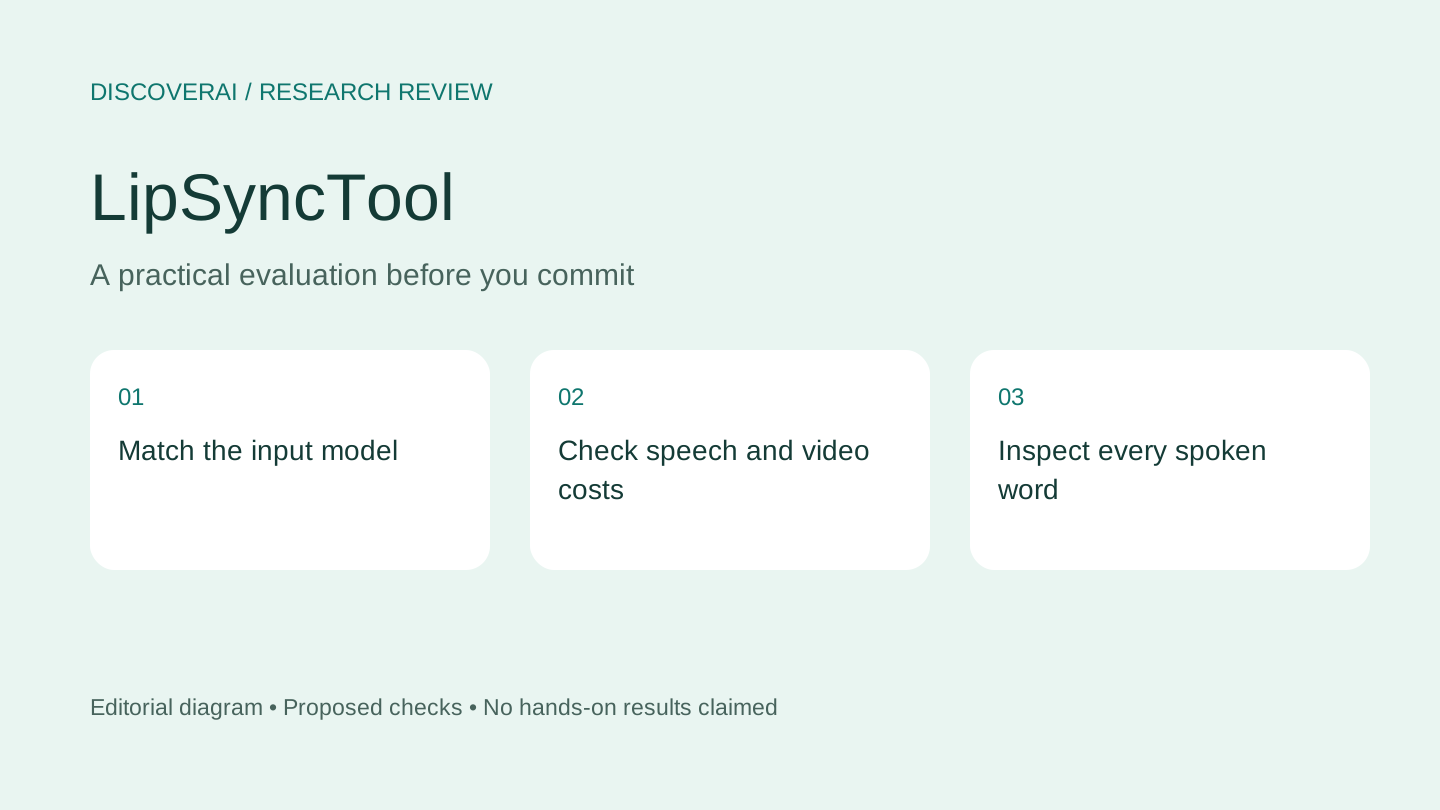
LipSyncTool is worth a short pilot when you already have authorized visual media and a clear voice track. Choose the model for your input type before buying credits. A talking portrait, replacement dialogue in existing footage and translated narration are different production tasks.
Free buyer comparison checklist
Compare this tool before committing.
Use the buyer checklist to compare two tools on the same tasks, including quality, review time and total cost. Get the weekly top 5 AI tools, one practical workflow and one way to reduce AI spending.
Evidence and review scope
We checked official product, pricing and privacy pages November 14, 2026. We did not generate a video, synthesize speech, purchase credits or test deletion. Ratings are withheld and no affiliate destination is configured. Examples on the vendor site are vendor evidence, not our test results.
Which workflow can you actually try?
The product page distinguishes photo-capable models from Sync models requiring video. You can supply audio or use separately charged synthesized speech. Lip sync itself does not translate your script.
The free trial is conditional: an eligible verified account, an available daily slot, a source video no longer than ten seconds and uploaded or recorded audio. It excludes photos and text-generated speech. A free trial of video dubbing therefore does not establish the quality of a paid talking-photo workflow.
Pricing: count speech and retries
The pricing page lists $6.99/120 credits, $14.99/300, $29.99/650 and $59.99/1,400. Packs do not expire. Generation cost depends on model and settings; a fixed videos-per-pack figure would be misleading. Speech synthesis is extra. Annual subscriptions charge upfront but release expiring monthly credit batches.
Confirmed video failures return video credits, while completed speech remains charged. The page says purchases are generally non-refundable except applicable exceptions. Confirm the full estimate and billing terms before generating; a credit return and a cash refund are different outcomes.
For your own budget, count all paid attempts and the time needed to repair the accepted clip. Compare this with recording a simple presenter video. A tool is useful when it solves a real production constraint, not merely because it can animate a face.
Proposed test: one short spoken message
Use your own consenting adult presenter or a character you control. Prepare a short line with pauses and visible lip closures. Avoid a dense script for the first test. Use a clean voice recording so audio problems do not obscure timing problems.
Watch the complete result with sound. Inspect whether the mouth begins and stops with the words, whether teeth and facial proportions remain stable, and whether pauses look natural. Check the first and final frames. A good middle section is insufficient if the clip starts abruptly or ends with unfinished motion.
Export and play it in your usual editor. Evaluate captions, framing and the final delivery size. Ask another person to watch without the input clip and describe anything distracting. Record the model, inputs, charge and reasons for acceptance. These are proposed criteria; no output success rate is claimed here.
Privacy is a material limitation
The privacy policy says media links may be accessible without login, fixed-schedule automatic deletion is not currently enforced, and account deletion does not automatically remove stored media. Removal assistance requires contacting support with relevant task details. Providers have their own handling rules.
That makes confidential footage a poor initial test. Choose inputs you are comfortable processing under the documented arrangement, keep your own exports and verify removal requirements before committing client work. Do not equate a private task dashboard with access-controlled underlying files.
Verdict and alternatives
Shortlist LipSyncTool for a small, non-confidential speaking-video experiment. If your goal is body movement transfer rather than dialogue, compare MotionControlAI. Save the LipSyncTool profile and use the buyer checklist to record whether the exact input, privacy and output requirements pass.
Transparency
How this guide was checked
Editorial accountability
Who checked this guide
- Evaluation type
- Hands-on evaluation
- Last materially checked
- Evidence
- 3 listed sources
Hands-on testing is identified explicitly. Research-based coverage uses cited product documentation and other named sources; it does not imply every paid plan was used. Read the full methodology.
Editorial freshness
Pricing and material product claims were checked November 14, 2026.
Review evidence
What this guidance is based on
- Evaluation type
- Official-source research; no hands-on testing
- Research date
- November 14, 2026
- Comparison basis
- Documented workflow and buyer requirements; no measured head-to-head test
Important limits
- • No account, purchase, output generation, export or support test performed.
- • Quality, reliability and privacy controls have not been independently verified.
Standardized benchmark coverage
How this review maps to the research benchmark
Citation accuracy
Not applicableThe reviewed workflow does not produce source-grounded research answers, so a citation score would be misleading.
Read protocol v2026.10-v1 →Thematic analysis
Not applicableThe reviewed workflow is not qualitative evidence analysis, so a thematic-analysis score would be misleading.
Read protocol v2026.10-v1 →Eligibility is not a product score. DiscoverAI publishes results only after output collection, blinded adjudication, reproducibility checks, and severe-error review.
Open the optional evaluation worksheet
Reusable trial worksheet
Test LipSyncTool before you commit
Turn this review’s buyer test into evidence. Your entries autosave only in this browser and are never added to shared shortlist links.
Confirm the tool meets every must-have workflow and stakeholder requirement.
Review starting point: Creators testing short talking clips with authorized, non-confidential media
Run the same representative work you would use in production; do not score a polished demo.
Review starting point: Run a bounded set of representative tasks with known acceptable outcomes, then compare the result with your current workflow.
Calculate the effective cost per accepted result, including usage, review, corrections, and required add-ons.
Review starting point: One-time packs: $6.99/120, $14.99/300, $29.99/650 or $59.99/1,400 credits. Rates vary by model; synthesized speech costs extra. Packs do not expire.
Define an acceptance threshold, test known answers and edge cases, and record every correction.
Review starting point: Editorial quality signals: features 0.0/5. Validate these signals in your own work.
Verify what data enters the product, who can access it, how long it is retained, and whether it trains models.
Review starting point: Use approved low-risk data first. Check roles, consent, deletion, subprocessors, model-training settings, and the contract—not only the marketing page.
Test the real handoffs, permissions, failure states, and export path your team depends on.
Review starting point: LipSyncTool integration requirements are not fully structured in this review; list every required system and test each connection.
Record training, governance, reliability, accessibility, ownership, and change-management risks before rollout.
Review starting point: Trial excludes photo and text-speech workflows; Speech remains charged after a video failure; Direct media links may open without login
Loading saved worksheet… · private to this device or your optional account
Community evidence
How verified users put LipSyncTool to work
Structured, editor-moderated experience—not star ratings. This complements our independent review and never changes its score.
No approved community evidence yet. Be the first verified user to contribute.
Community choice
Recommend LipSyncTool
Loading weekly votes…
One vote per verified account per tool, counted for seven days. Return after your vote expires to support again. Community votes influence homepage trends, never editorial ratings. Voting does not subscribe you to emails.
Sources and references
References cited by this article. Check the original source for scope, dates and current terms.
Frequently asked questions
Does the trial include talking photos?
The documented conditional trial excludes photos and synthesized speech.
Does a failed video refund speech charges?
Confirmed video failures return video credits; completed speech remains charged.
Are media links private to my login?
The privacy policy says underlying media links can be opened without login.
Recommended tool
Use LipSyncTool if this workflow fits your team
Consider for creators testing short talking clips with authorized, non-confidential media; validate the documented limits with a small pilot.
Tools mentioned in this article
LipSyncTool
Review LipSyncTool’s photo and video workflows, restricted free trial, separate speech costs and media-link privacy before making a talking clip
Review LipSyncTool’s photo and video workflows, restricted free trial, separate speech costs and media-link privacy before making a talking clip.
Read next