In this guide
What happened
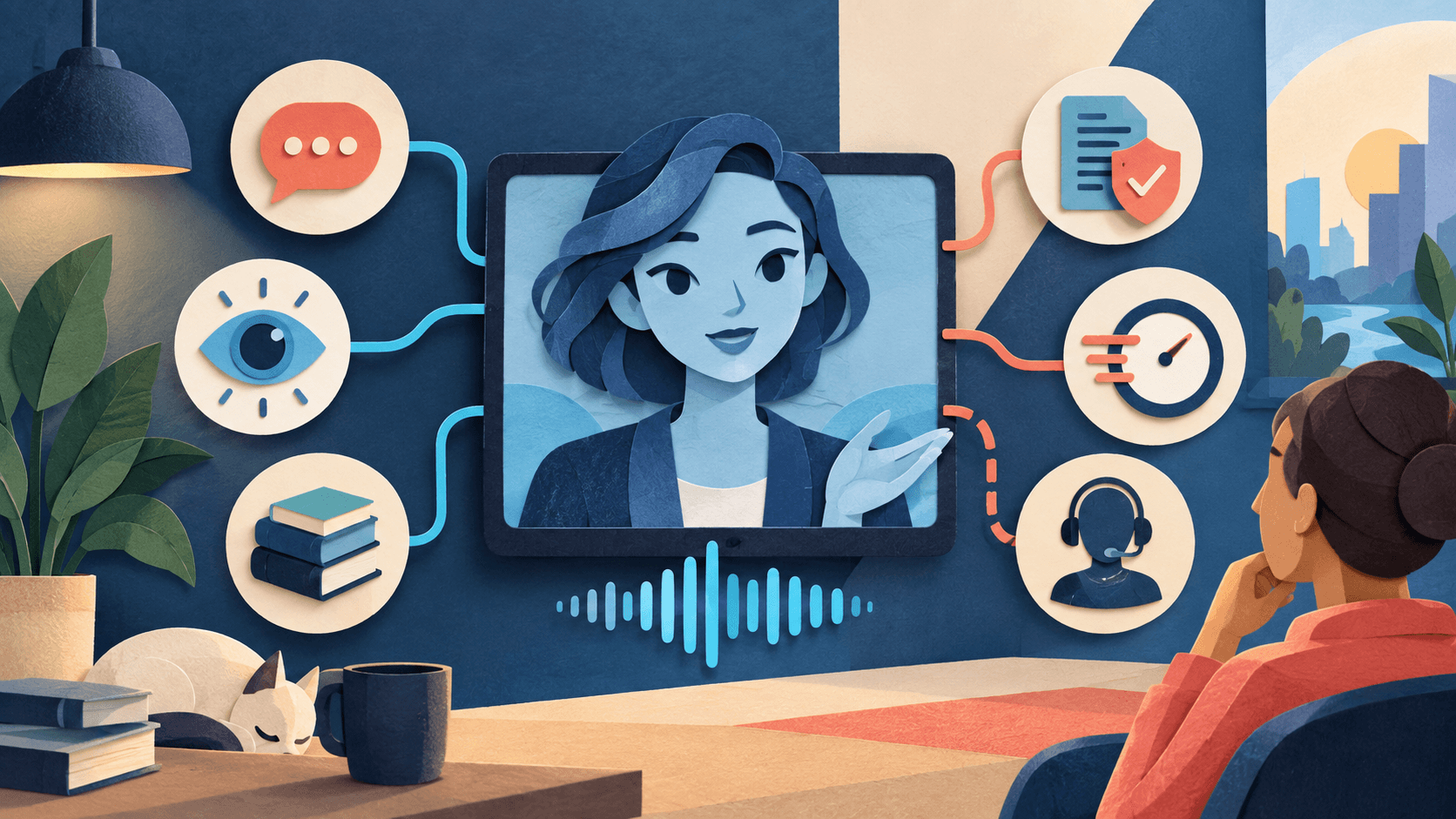
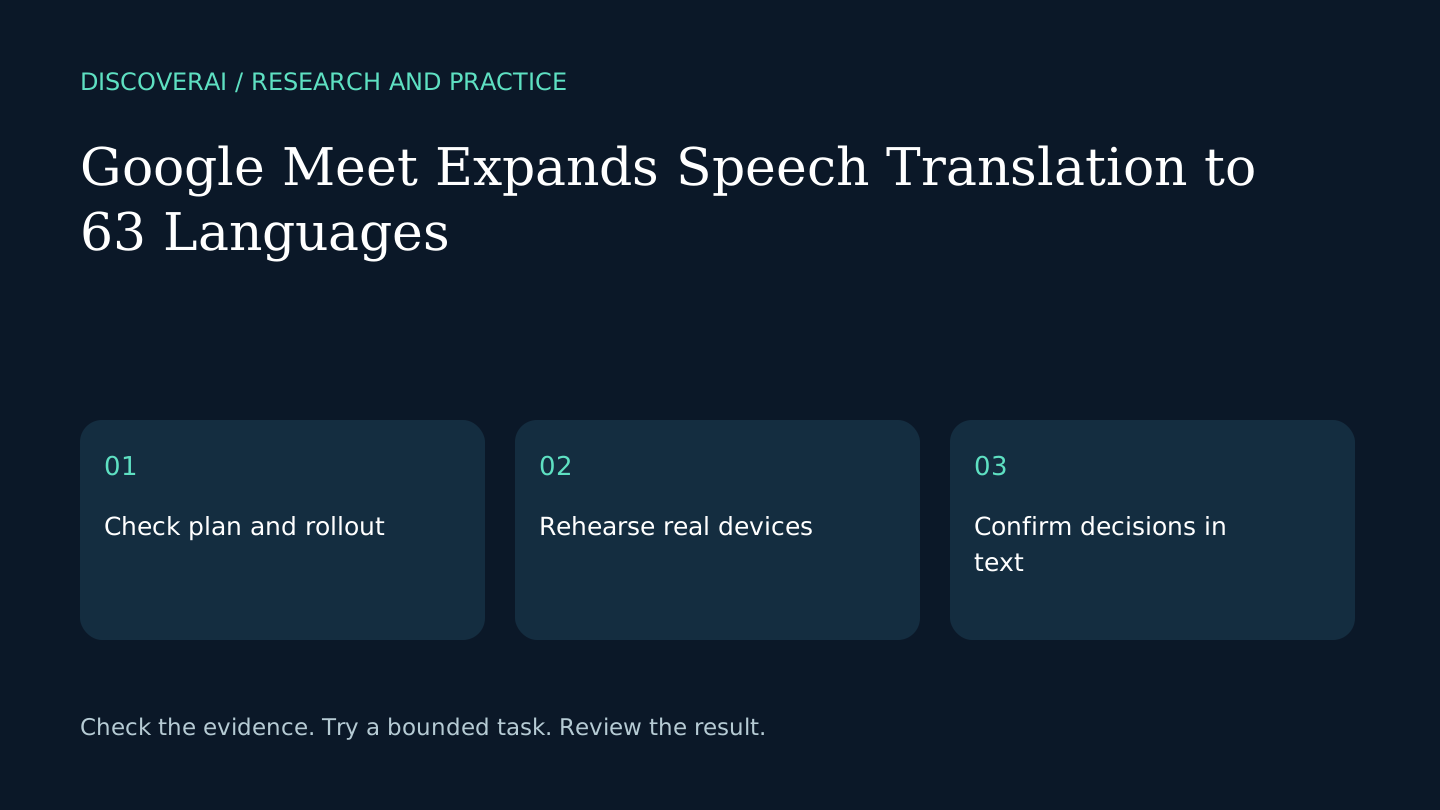
Google’s October 22 announcement expands Meet speech translation to 63 languages with automatic spoken-language detection and listener-specific controls. Translated captions accompany the audio. This analysis is dated October 27, 2026; it does not imply the feature launched today.
Free workflow pilot checklist
Test the workflow before you buy the tool.
Get the buyer checklist, including task, owner, approval, fallback, and time-saved fields—plus one useful briefing a week.
Availability has practical limits
Rapid Release rollout began October 22; Scheduled Release starts November 2 and can take up to 15 days. An eligible organizer can enable access for meeting guests. Eligible base plans have a 90-minute meeting limit; specified higher-access plans extend it to eight hours.
Room hardware can receive translated speech but does not translate its own room audio for remote listeners. Recordings, live streams, client-side encrypted meetings and several calling modes are unsupported. Users enable translation individually. Check the announcement’s edition, regional and age restrictions before relying on access.
Why small teams should care
The practical opportunity is to let colleagues follow a discussion in their preferred language. Our assessment is that success should be measured by whether participants can confirm decisions, rather than whether the translated voice sounds natural. This is editorial analysis, not a completed accuracy test.
A mixed room-and-remote meeting is a particularly useful pilot. If the room hears translated remote contributions but its own speech is not translated back, the experience can become asymmetric. Plan the speaking arrangement before inviting a multilingual customer group.
A proposed readiness check
Use a low-stakes call with willing participants. Prepare a small glossary of product names and a short script containing a number, a conditional statement and a correction. Ask each participant to restate the intended decision in their own words. Note misunderstandings without attributing them automatically to one feature.
Try the devices and account types the real meeting will use. A successful desktop rehearsal does not prove a guest’s phone is configured correctly. Have a participant check the controls before the session begins and keep a text summary available.
Keep an agreed written record
Assign someone to write down the final decision, owner and deadline. Circulate that record for confirmation, especially when a tentative statement could be interpreted as a commitment. Live translation is a listening aid; it should not become the only evidence of an agreement.
For high-consequence discussions, decide what independent language support is appropriate before the call. Do not treat a fluent translated sentence as proof that specialist terms or nuance survived intact.
What remains unverified
We have not tested translation quality, cross-language switching, latency or guest access. Availability in an announcement is not confirmation for an individual account. Check actual access, keep a fallback plan, and compare the complete meeting workflow using the buyer checklist. For a separate saved-recording workflow, see our WhisperWeb review.
Transparency
How this guide was checked
Editorial accountability
Who checked this guide
- Evaluation type
- Research-based verification
- Last materially checked
- Evidence
- 1 listed sources
Hands-on testing is identified explicitly. Research-based coverage uses cited product documentation and other named sources; it does not imply every paid plan was used. Read the full methodology.
Editorial basis
What this guidance is based on
- Editorial basis
- Source-led analysis
- Primary references
- 1
- Products covered
- 0
- Last checked
- 2026-10-27
Important limits
- • Features, availability, and pricing can change after publication; confirm consequential details with the provider.
Sources and references
References cited by this article. Check the original source for scope, dates and current terms.
Frequently asked questions
Is the expansion available to every account?
No. Eligible plans, rollout timing and other restrictions apply.
Does room hardware translate its own speech?
The announcement says room devices can receive translated speech, but their outgoing room speech is not translated.
Has DiscoverAI tested translation quality?
No. This is announcement analysis with a proposed readiness check.
Read next