In this guide
What changed
Google Meet is adding administrator-written notices before people join meetings, including notices about Gemini notes, transcripts and recordings. Google announced the feature on November 3, 2026, with an extended rollout beginning November 2. Availability can take longer than 15 days; an announcement does not establish that the control is already visible in every eligible account.
Free AI tool buyer checklist
Make the next AI subscription earn its place.
Get the weekly top 5 AI tools, one practical workflow and one way to reduce AI spending. Includes a free buyer checklist.
Controls, access and notice length
The Workspace announcement says the feature is off by default and configured at the organizational-unit level in Meet Safety Settings. Administrators can show the notice always or only while recording, transcription or Gemini note-taking is active. Eligible editions include Business Standard/Plus, Enterprise Standard/Plus, Education Fundamentals/Standard/Plus and Frontline Plus, with Google AI Pro for Education also listed.
The administrator guide allows up to 350 plain-text characters plus a policy link. It says outside participants receive the host’s notice. DiscoverAI has not tested the control in an administrator account.
Why the change matters
Our interpretation is that the waiting room becomes a useful place to explain a meeting workflow before conversation begins. A short notice can point people to the policy that explains who receives artifacts and whom to contact with a question. It still needs to describe the organization’s actual practice.
Do not treat the notice as evidence that the notes are accurate, recipients are appropriate or retention is configured correctly. Those are separate operational checks. Teams should review artifact access and the written explanation together so one does not promise something the other contradicts.
A practical rollout review
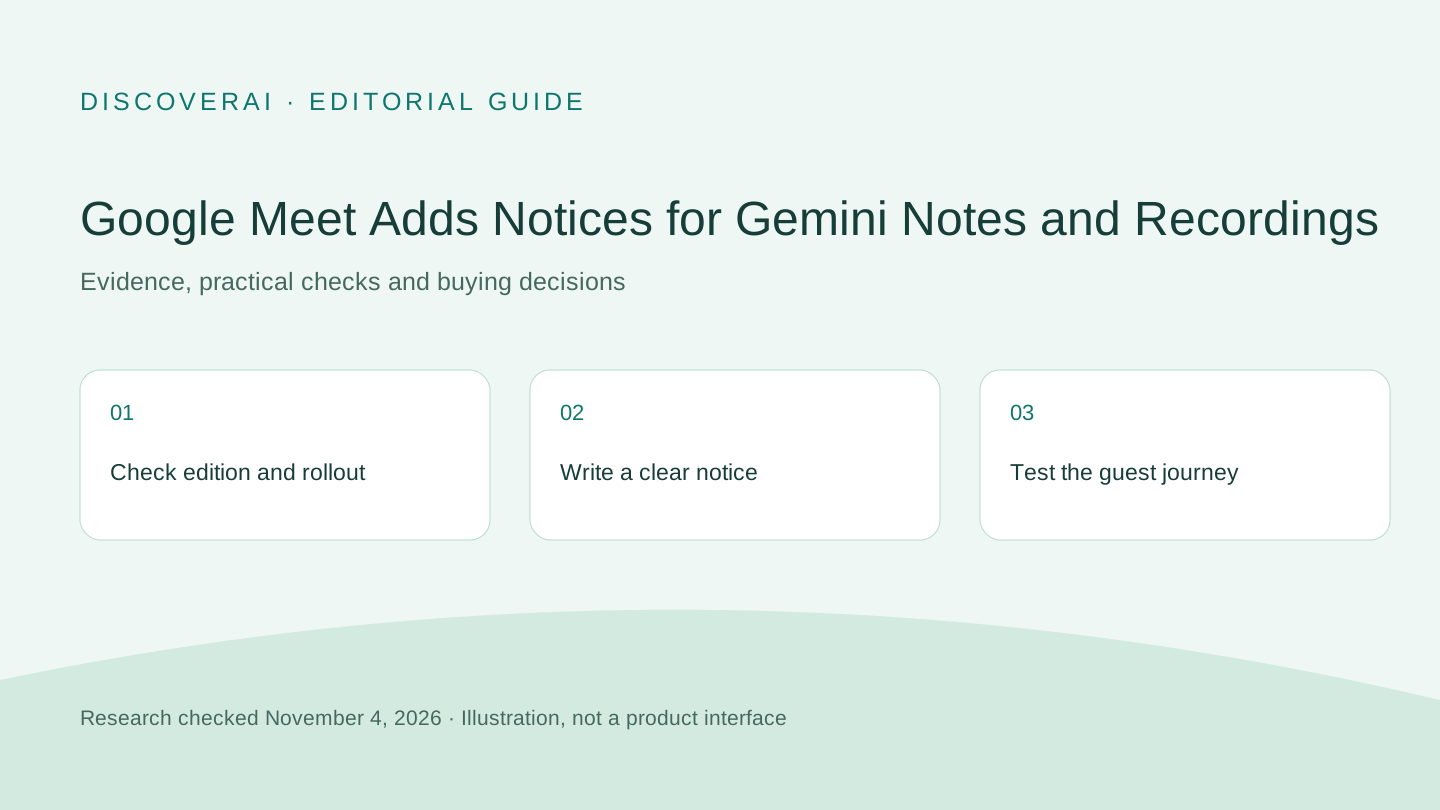
A proposed pilot is to enable a carefully written notice for a small internal group. Test an ordinary call and a call using the relevant artifact feature. Ask a guest to check what appears before joining. Confirm the link opens the intended policy without demanding access the guest lacks.
Read the notice on a small screen. A message that fits its character limit may still be difficult to understand. Use plain words describing the artifact and a useful contact path. Avoid promising a retention period unless the organization has checked the actual configuration.
If the control is absent, verify the edition and rollout status through normal administration channels. Do not repeatedly change unrelated settings to force feature availability.
What to do next
For teams already using AI meeting notes, review the notice and artifact workflow as one user journey: what people are told, what starts during the call, what is created afterward and who can open it. Measure whether participants understand the notice rather than counting it as a completed privacy program.
Keep a copy of the tested text and the group it applies to. Recheck it when meeting defaults or sharing practices change. This is proposed operational guidance, not a claim that this feature meets any particular legal requirement.
Sources and timing
This November 4 analysis covers the November 3 announcement and current administrator guide. It is distinct from our earlier Meet speech-translation coverage. No account configuration was changed for this article.
Transparency
How this guide was checked
Editorial accountability
Who checked this guide
- Evaluation type
- Research-based verification
- Last materially checked
- Evidence
- 2 listed sources
Hands-on testing is identified explicitly. Research-based coverage uses cited product documentation and other named sources; it does not imply every paid plan was used. Read the full methodology.
Editorial basis
What this guidance is based on
- Editorial basis
- Source-led analysis
- Primary references
- 2
- Products covered
- 0
- Last checked
- 2026-11-04
Important limits
- • Features, availability, and pricing can change after publication; confirm consequential details with the provider.
Sources and references
References cited by this article. Check the original source for scope, dates and current terms.
Frequently asked questions
Is the notice enabled automatically?
No. The announcement says the feature is off by default and requires administrator configuration.
When should eligible accounts expect it?
Google says the extended rollout started November 2 and may take longer than 15 days.
Does the notice establish that notes or sharing are correct?
No. Teams should check generated artifacts, recipients and actual policy settings separately.