In this guide
Short answer
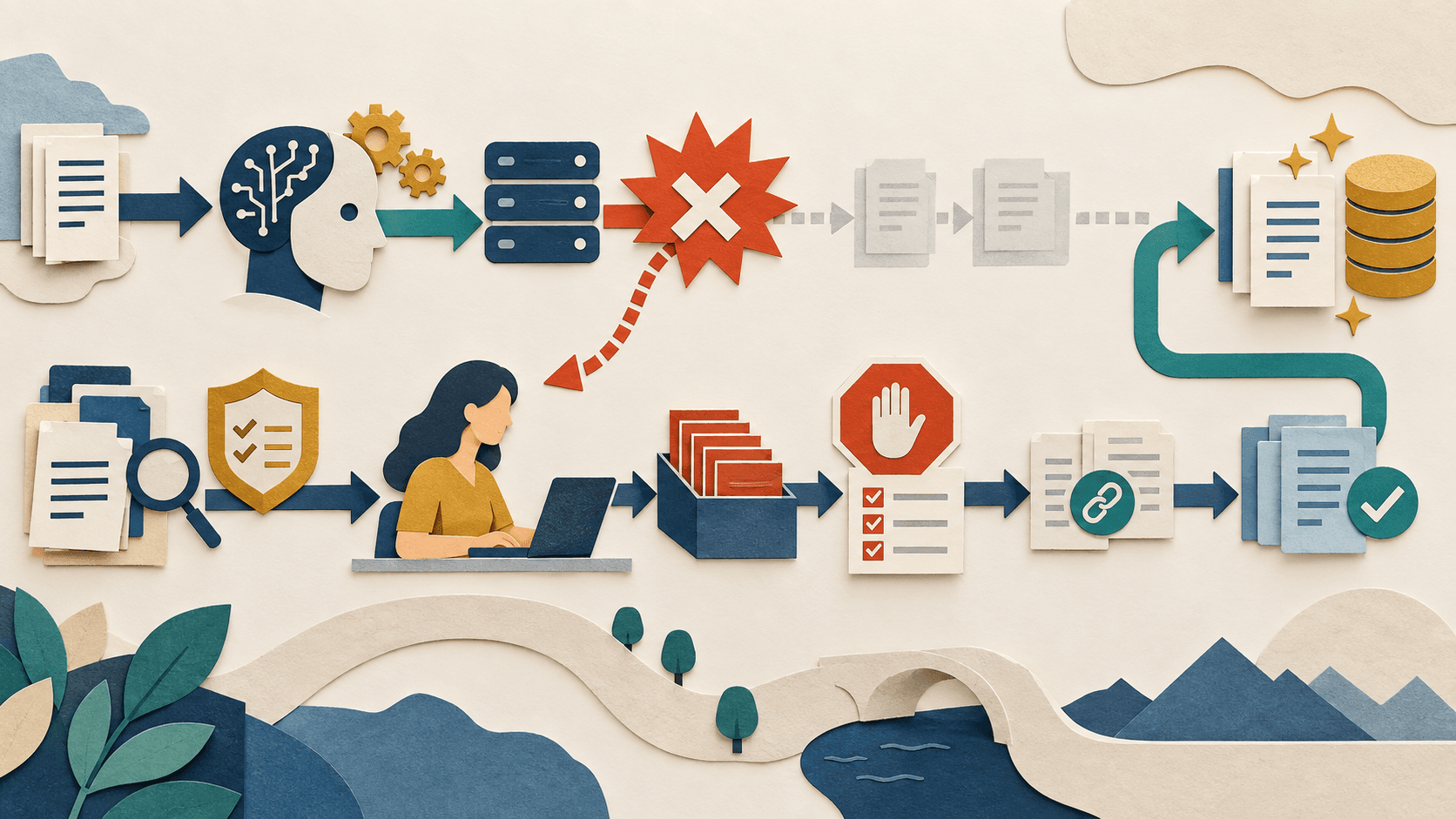
Every important AI workflow needs a documented degraded mode that can operate without the model or connector. Define what triggers fallback, which tasks stop, which revert to a person or deterministic system, where the required data and templates live, who declares recovery, and how delayed or partial work is reconciled without duplicate actions.
Free workflow pilot checklist
Test the workflow before you buy the tool.
Get the buyer checklist, including task, owner, approval, fallback, and time-saved fields—plus one useful briefing a week.
Map failure modes
Plan for model outage, rate limit, exhausted budget, expired credential, broken connector, unsafe output spike, corrupted retrieval, vendor policy change, and loss of an administrator. Different failures require different containment and recovery paths.
Design the smallest viable manual path
Preserve source access, contact lists, approved templates, queues, ownership, and system-of-record updates outside the AI layer. Decide which service levels can temporarily degrade and which consequential actions must stop entirely.
Reconcile safely after recovery
Use stable identifiers and timestamps to prevent the AI from repeating work handled manually. Review queued drafts, changed records, missed triggers, and customer commitments before re-enabling automation in stages.
What readers should do
Run a two-hour drill: disable the model or connector in a test environment, route new work to the fallback queue, complete representative tasks manually, restore service, and reconcile. Record detection time, backlog growth, duplicate actions, missing evidence, recovery time, and every instruction that proved unclear.
Claims were checked against the linked sources on September 22, 2026. Vendor measurements and company announcements are attributed evidence, not independent guarantees.
Transparency
How this guide was checked
Editorial accountability
Who checked this guide
- Evaluation type
- Research-based verification
- Last materially checked
- Evidence
- 4 listed sources
Hands-on testing is identified explicitly. Research-based coverage uses cited product documentation and other named sources; it does not imply every paid plan was used. Read the full methodology.
Editorial basis
What this guidance is based on
- Editorial basis
- Source-led analysis
- Primary references
- 4
- Products covered
- 3
- Last checked
- 2026-09-22
Important limits
- • Company telemetry and model claims may not generalize to other populations or workloads.
- • Availability, policy, pricing, and product behavior can change.
Sources and references
References cited by this article. Check the original source for scope, dates and current terms.
Frequently asked questions
What is an AI workflow fallback?
It is a documented degraded operating mode used when the model, data, connector, quota, or vendor is unavailable or unsafe.
Which AI workflows need a fallback?
Any workflow whose interruption, error, or repeated action could materially affect customers, money, records, access, deadlines, or safety.
Should the fallback always be manual?
Not always; a deterministic rule, simpler system, read-only mode, or queued delay may be safer, but a person must own the decision.
How often should fallback plans be tested?
Test before launch, after material architecture changes, and on a risk-based schedule such as quarterly for important workflows.
Recommended tool
Use Zapier AI if this workflow fits your team
It gives this category a focused option when a general chatbot starts feeling too broad or too manual.
Tools mentioned in this article
Zapier AI
A practical AI tool for productivity workflows
Zapier AI helps professionals improve productivity workflows with AI-assisted drafting, automation, analysis, or production features.
Microsoft Copilot
Workplace AI grounded in Microsoft 365 apps, organizational data, and governed agents
Microsoft Copilot is strongest for organizations already operating in Microsoft 365, but licensing, permission hygiene, content quality, agent usage, and change management determine the return.
ChatGPT
The general-purpose AI assistant that started it all
OpenAI's flagship conversational AI model, powering everything from casual chat to complex reasoning, coding, and creative work.
Read next