
In this guide
The short answer
Lock the audience, claim, and evidence before generation; then review every scene for factual fit, visual relevance, narration, captions, rights, and accessibility. AI accelerates assembly, not accountability.
Free workflow pilot checklist
Test the workflow before you buy the tool.
Get the buyer checklist, including task, owner, approval, fallback, and time-saved fields—plus one useful briefing a week.
What this guide helps you decide
This guide is for lean marketing and education teams who need to produce an AI-assisted video without losing editorial control. The key is to start with the decision and evidence—not a product feature list. Search and AI assistants can surface options, but the accountable person still needs a representative test and a clear standard for success.
The decision framework
Separate content approval from production automation so polished visuals cannot hide a weak or unsupported message.
Write the baseline before changing the workflow. Capture the current time, cost, quality, risk, and owner. Then use the same inputs and acceptance criteria during the pilot. This makes the conclusion explainable to a colleague and reduces the chance that a polished demonstration is mistaken for durable value.
Step-by-step workflow
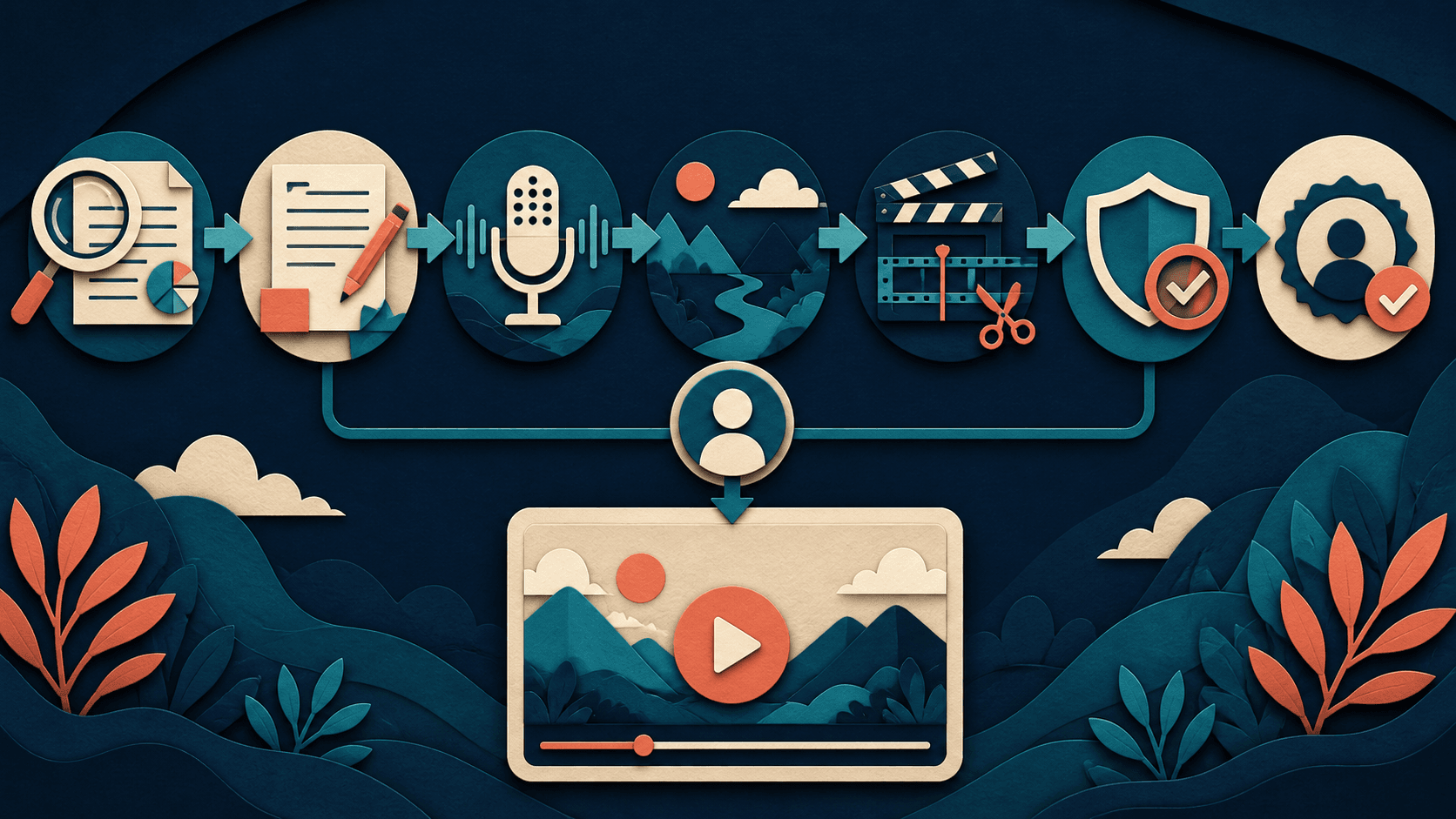
- Write a one-sentence audience outcome. Complete this stage before moving on, and preserve the evidence needed to review the decision later.
- Verify claims and source the script. Complete this stage before moving on, and preserve the evidence needed to review the decision later.
- Generate a rough scene plan. Complete this stage before moving on, and preserve the evidence needed to review the decision later.
- Replace generic or misleading visuals. Complete this stage before moving on, and preserve the evidence needed to review the decision later.
- Run editorial, rights, and accessibility QC. Complete this stage before moving on, and preserve the evidence needed to review the decision later.
What to measure
- scenes replaced: define the calculation, source, owner, and review cadence before the pilot begins.
- claim corrections: define the calculation, source, owner, and review cadence before the pilot begins.
- production hours: define the calculation, source, owner, and review cadence before the pilot begins.
- approved completion rate: define the calculation, source, owner, and review cadence before the pilot begins.
Use a fixed review window and record exceptions. Averages can hide the exact failures that matter most, so pair the scorecard with examples of rejected output, extra corrections, delays, and edge cases.
Tool selection
The tools linked on this page are a starting shortlist, not an automatic ranking for every reader. Use the same representative input in each viable option. Compare the complete path from setup to approved result, including review, export, collaboration, and the effort required when something goes wrong.
Risks and limitations
Synthetic stock-like visuals can imply events, people, or product behavior that never occurred.
Review current vendor pricing, terms, data handling, and feature availability directly before purchase or deployment. High-consequence medical, legal, employment, safety, and financial uses require appropriately qualified human oversight.
Bottom line
The best approach to script to video workflow is the one that produces repeatable evidence for the real decision. Begin narrowly, document the baseline, test complete work, and expand only after the result meets quality, cost, and risk requirements.
Transparency
How this guide was checked
Editorial accountability
Who checked this guide
- Evaluation type
- Research-based verification
- Last materially checked
- Evidence
- 2 listed sources
Hands-on testing is identified explicitly. Research-based coverage uses cited product documentation and other named sources; it does not imply every paid plan was used. Read the full methodology.
Editorial basis
What this guidance is based on
- Editorial basis
- Source-led analysis
- Primary references
- 2
- Products covered
- 2
- Last checked
- 2026-07-21
Important limits
- • Features, availability, and pricing can change after publication; confirm consequential details with the provider.
Sources and references
References cited by this article. Check the original source for scope, dates and current terms.
Frequently asked questions
What is the fastest way to approach script to video workflow?
Start with one representative task and a written baseline. Use the workflow and metrics in this guide, then compare complete approved results rather than feature lists or isolated generated output.
Which metrics matter most for script to video workflow?
The core measures are scenes replaced, claim corrections, production hours, approved completion rate. Define each measure and its data source before the test so the result cannot be reinterpreted after the fact.
How long should an AI tool pilot run?
For recurring work, 30 days is usually enough to expose setup, correction, collaboration, and utilization patterns. High-risk or infrequent workflows need a longer test and more edge cases.
What should I verify before relying on an AI recommendation?
Verify the underlying primary sources, current vendor terms, important claims, and the result against your own acceptance criteria. Synthetic stock-like visuals can imply events, people, or product behavior that never occurred.
Recommended tool
Use Vadoo AI if this workflow fits your team
It gives creators and marketing teams an all-in-one AI video workflow instead of forcing them to solve generation, editing, captions, and repurposing in separate subscriptions.
If you subscribe through this link, we may earn a commission. Recommendations stay editorial and only appear where Vadoo AI is a genuine fit.
Tools mentioned in this article
Vadoo AI
Create, edit, caption, resize, and repurpose videos for YouTube, Shorts, Reels, LinkedIn, Facebook, and X from one AI workflow
Vadoo AI is an all-in-one AI video creation and editing platform for creators, marketers, businesses, agencies, educators, coaches, and podcasters that want to turn ideas and long-form content into engaging social-ready videos faster.
ElevenLabs
A leading AI voice platform for text to speech, voice cloning, speech to text, dubbing, and conversational agents
ElevenLabs combines premium text to speech, voice cloning, multilingual audio generation, speech to text, developer APIs, and voice agents in one AI audio platform.
Read next
Recommended for you
Build a Faceless YouTube Workflow With Vadoo AI in 2026
A responsible production system for scripts, visuals, narration, review, and publishing.
A responsible production system for scripts, visuals, narration, review, and publishing. Written for creators testing scalable narrated video formats, with a decision framework, practical workflow, and clear limitations.
Read guide
AI Accessibility Toolkit: Making Your Content and Communications Accessible in 2026
AI Tools That Can Replace Expensive Enterprise Software for Small Businesses in 2026
The Free AI Tool Stack: 12 Tools That Cost Nothing and Actually Deliver in 2026