How to Create YouTube Narration with AI
How to script, voice, edit, and publish narration-heavy videos more consistently.
Bottom line
How to create YouTube narration with AI without making the final video sound generic or low-trust.
Editorial accountability
Who checked this guide
- Evaluation type
- Editorial guidance
- Last materially checked
- Evidence
- No source list
Hands-on testing is identified explicitly. Research-based coverage uses cited product documentation and other named sources; it does not imply every paid plan was used. Read the full methodology.
Editorial basis
What this guidance is based on
- Editorial basis
- Editorial guidance
- Primary references
- Not listed
- Products covered
- 3
- Last checked
- 2026-07-04
Important limits
- • This page provides editorial guidance rather than a documented hands-on test.
- • Verify pricing, availability, and high-stakes claims with primary sources before acting.
In this guide
YouTube narration works best when the voice layer is treated as part of the channel identity rather than an afterthought.
Start with a stronger script
Research the idea, write for spoken delivery, and tighten the opening before generating any audio.
Generate narration that can hold attention
This is where ElevenLabs earns its place. It is one of the better options when you need voice output that sounds credible over several minutes, not only in short bursts.
Edit for rhythm
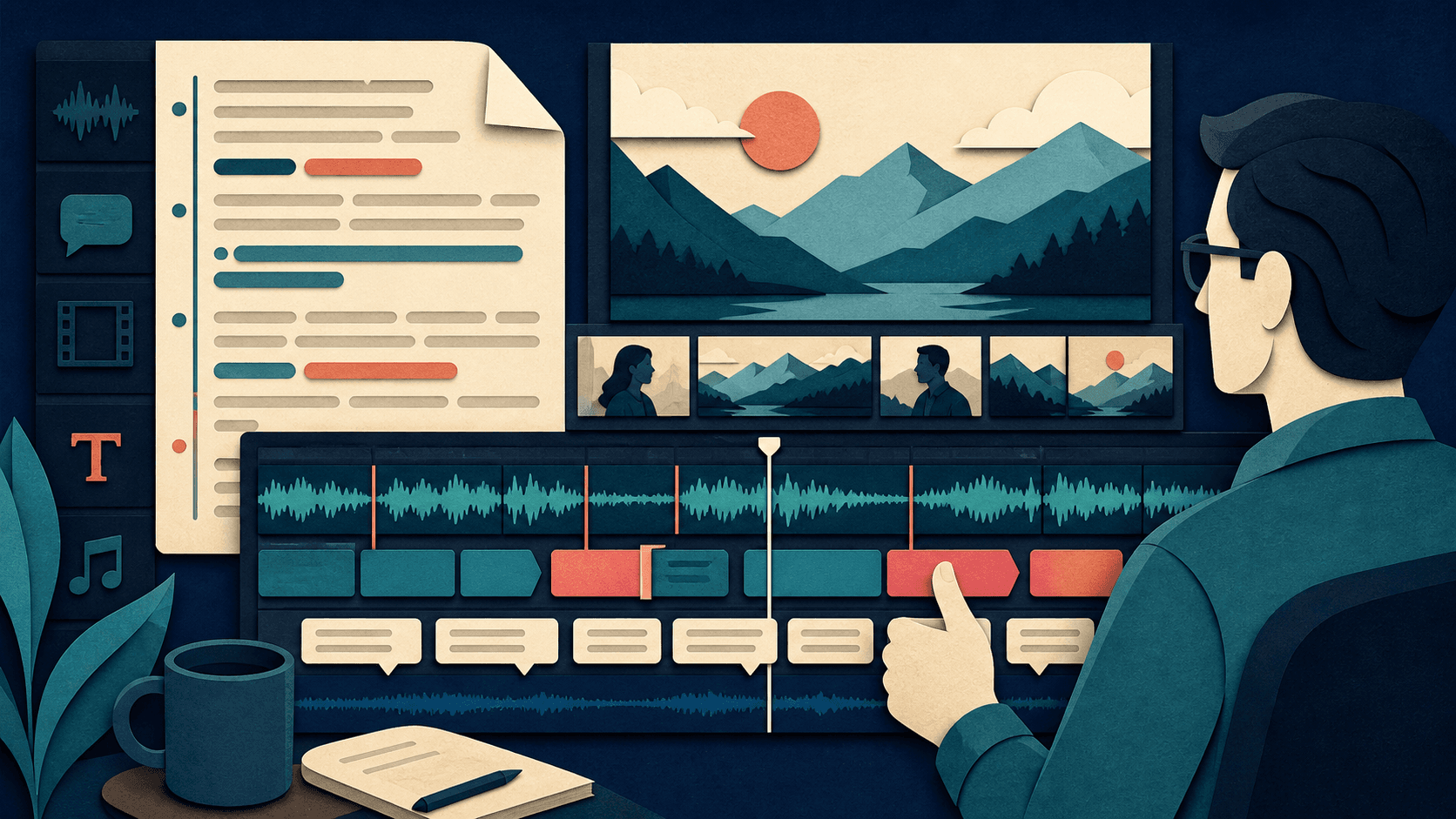
Use an editor like Descript to tighten pauses, line breaks, and emphasis after generation.
Connect to the full channel workflow
Narration is only one layer. The best results come when voice generation fits into scripting, editing, thumbnail creation, and publishing.
Recommended tool
Use ElevenLabs if this workflow fits your team
It stands out when you need the voice layer to feel premium, multilingual, and extensible rather than merely functional.
If you subscribe through this link, we may earn a commission. Recommendations stay editorial and only appear where ElevenLabs is a genuine fit.
Tools mentioned in this article
ElevenLabs
A leading AI voice platform for text to speech, voice cloning, speech to text, dubbing, and conversational agents
ElevenLabs combines premium text to speech, voice cloning, multilingual audio generation, speech to text, developer APIs, and voice agents in one AI audio platform.
Descript
A text-based audio and video editor with transcription, captions, cleanup, screen recording, and AI voice tools
Descript can accelerate speech-led editing, but transcript accuracy, media allowances, voice consent, output polish, and final review determine whether it replaces part of an editing stack.
Canva AI
A practical AI tool for design workflows
Canva AI helps professionals improve design workflows with AI-assisted drafting, automation, analysis, or production features.
Read next