In this guide
The task
Before publishing an AI-selected webinar clip, check that a new viewer will hear the same claim the speaker actually made. A clean cut and readable captions are necessary, but they do not establish that the excerpt is fair. Start with the source recording, a transcript and the proposed clip.
This is an editorial review method with a fictional example, not a completed product benchmark. Exemplary AI documents clip creation and transcript-based editing; the checks below apply to any workflow that selects passages from a longer recording.
Free AI tool buyer checklist
Check before you buy your next AI tool.
Get the weekly top 5 AI tools, one practical workflow and one way to reduce AI spending. Includes a free buyer checklist.
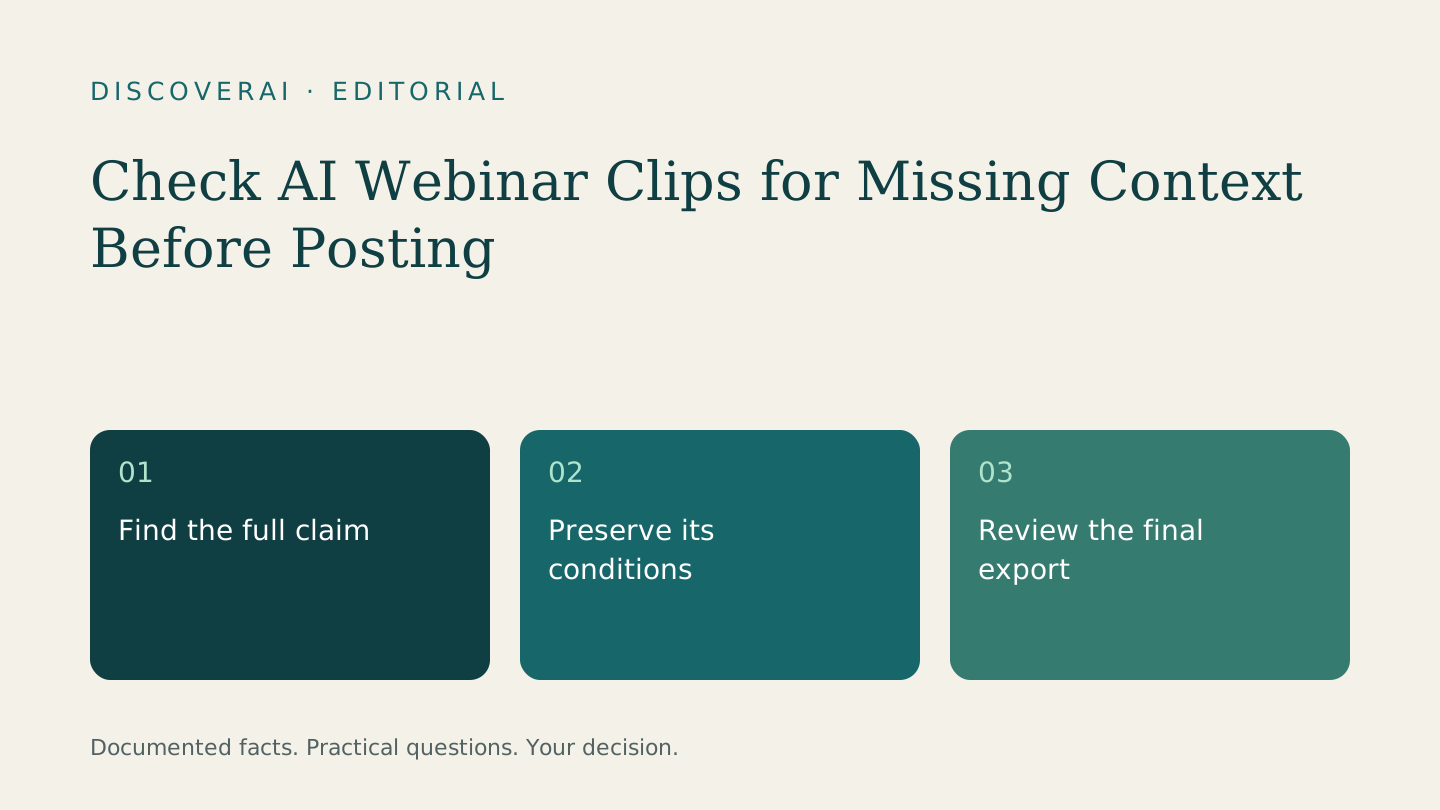
1. Find the claim and its condition
Imagine this fictional source passage: “For returning customers with approved artwork, we can usually prepare a proof within two business days. New designs need a separate estimate.”
A clip containing only “we can usually prepare a proof within two business days” loses the eligibility condition. A caption saying “Delivery in two days” changes both the deliverable and the certainty. Neither problem is solved by making the subtitles more attractive.
Write down the source timestamp, the complete claim and its conditions. In this example, the deliverable is a proof, the timing is qualified, and the customer must already have approved artwork. Those are the facts the finished clip must preserve.
2. Listen before and after the proposed cut
Review the surrounding passage until you understand what the speaker is answering. Watch for pronouns such as “it” or “they,” references to a slide, and corrections later in the answer. The right context window depends on the conversation; a fixed number of seconds cannot guarantee enough context.
If the clip needs a setup line, use accurate editorial context rather than fabricated speech. Do not splice separate words into a promise the speaker never made. If a short format cannot retain the qualification, choose another passage.
3. Check captions against the audio
Verify names, amounts, units and negation. “Can” and “can't” produce opposite advice, while a percentage without its denominator may be meaningless. Read the final exported captions, not only the editable transcript, because line breaks and timing affect what a viewer can follow.
For translated captions, ask a qualified speaker to review the claim and conditions in the target language. If that review is unavailable, keep the original-language version rather than presenting an unchecked translation as approved.
4. Inspect the actual export
Watch the clip on a phone with sound, then again without it. Check that reframing has not hidden the chart or object needed to understand the sentence. Make sure titles, captions and the post's description all make the same claim.
Record the result in the clip context review sheet. Use a clear decision: approve, revise or reject. An editor should be able to explain a rejection in terms of meaning, not merely personal taste.
5. Measure accepted clips
Keep rejected suggestions in your trial record. Count the total time spent checking, repairing and exporting, then divide by the clips approved for publication. This gives you a useful comparison between tools without mistaking the number of suggestions for finished work.
Read the Exemplary AI review for its documented allowances and use the trial scorecard to compare actual results. Retain the source passage alongside each accepted clip so a later reviewer can trace the decision.
Transparency
How this guide was checked
About this article
How this article was prepared
- Evaluation type
- Source-based research
- Last reviewed
- Evidence
- 1 listed sources
We label hands-on testing separately. Research-based articles draw on product documentation and other cited sources, rather than direct use of every plan. Read the full methodology.
Editorial basis
Sources and testing
- Editorial basis
- Source-based research
- Primary references
- 1
- Products covered
- 1
- Last checked
- 2026-11-15
Important limits
- • Features, availability and prices can change. Check the provider’s current terms before buying.
Sources and references
References cited by this article. Check the original source for scope, dates and current terms.
Frequently asked questions
Does a high clip score prove the excerpt is accurate?
No. Compare the selected passage with the source and its surrounding context.
Was this example generated in a tool?
No. It is a fictional teaching example, not an observed product result.
Tools mentioned in this article
Exemplary AI
Review Exemplary AI’s video repurposing, one-time free credits, export limits and team plans before committing your webinar workflow
Review Exemplary AI’s video repurposing, one-time free credits, export limits and team plans before committing your webinar workflow.