In this guide
A file extension is not an acceptance test
A PPTX is useful only if it supports the edits your next presenter needs. A slide can look right while its chart is a picture or its small text has been recognized incorrectly. Decide what must remain editable before processing the whole deck.
This is a proposed workflow, not a conversion accuracy benchmark. EditablePPT's documentation distinguishes editable layers from placing a whole image on a slide, and warns that native charts and tables are not guaranteed. Download the public converted-slide handoff checklist to record the checks without signing up.
Free AI tool buyer checklist
Make the next AI subscription earn its place.
Get the weekly top 5 AI tools, one practical workflow and one way to reduce AI spending. Includes a free buyer checklist.
1. Preserve the source and choose a representative sample
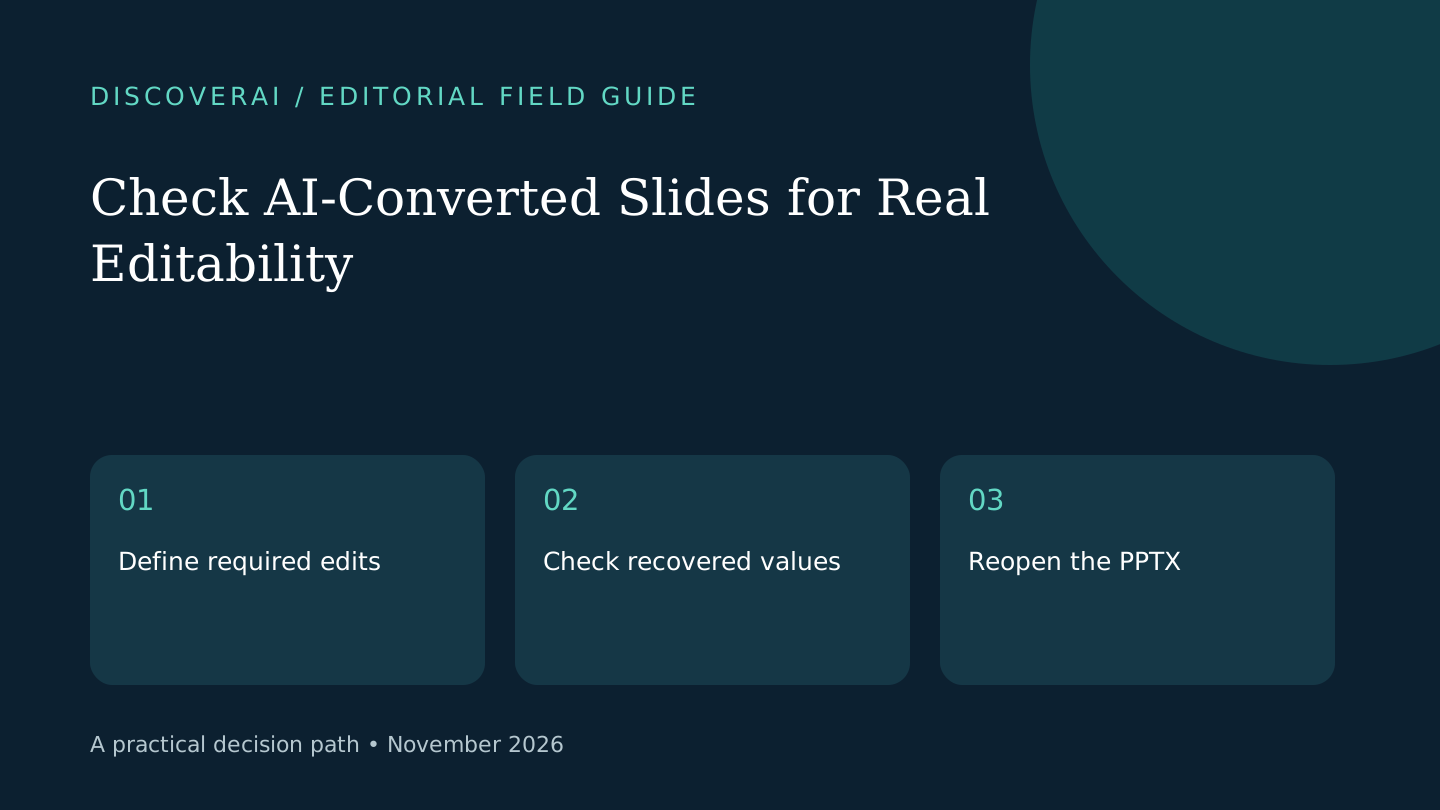
Keep an untouched copy of the original and any chart data. If you still have the editable source deck, use it before attempting recovery from screenshots. Pick three permitted examples: a simple text slide, a chart or table, and a slide with dense labels or unusual typography.
Write down the exact future edit each example must support. For instance, changing a quarterly value requires a maintainable chart or a deliberate manual rebuild; moving a picture does not. That distinction makes the pilot about the work rather than the apparent sophistication of the preview.
2. Verify the processing path and chosen mode
Confirm whether the selected feature processes material locally or uploads it. Do not assume every feature shares the same handling. If public policy and product documentation disagree, resolve the discrepancy before uploading sensitive slides.
Record the chosen conversion mode and displayed credit cost. Keep a balance snapshot so you can compare the billed usage with the final accepted slides. A free image wrapper may suit a visual reference, but it will not recover editable labels inside the image.
3. Compare content before polishing appearance
Check numbers, units, footnotes and names against the original at readable zoom. Inspect small minus signs and decimal places deliberately. A visually minor recognition error can reverse a conclusion.
Try selecting and changing the required words and chart values. If a chart is flattened, label the rebuild as a separate task and use the original data. Do not invent source values by estimating bar heights. Record any text that remains inside an image so the next editor does not discover it during a deadline change.
4. Reopen in the delivery application
Save the candidate PPTX, close it, and reopen it in the application your colleague will use. Make the sample edit, save again and inspect the result. Check line breaks, substituted fonts and objects that moved outside the slide.
Present the edited sample on the intended screen format. If readability depends on tiny text or excessive zoom, the export has not met the handoff requirement even if every object can technically be selected. Check reading order separately if an accessible deck is part of the brief.
5. Keep an honest handoff record
List recovered elements, remaining images, rebuilt charts and unresolved font requirements. Compare total conversion and repair time with rebuilding the sample manually. Continue only when the method helps the actual delivery task.
Read the EditablePPT review for its credit and documentation caveats. Use the buyer matrix to compare accepted deliverables rather than generated page counts. A small, verified deck is a better handoff than a large conversion whose editability nobody checked.
Transparency
How this guide was checked
Editorial accountability
Who checked this guide
- Evaluation type
- Research-based verification
- Last materially checked
- Evidence
- 3 listed sources
Hands-on testing is identified explicitly. Research-based coverage uses cited product documentation and other named sources; it does not imply every paid plan was used. Read the full methodology.
Editorial basis
What this guidance is based on
- Editorial basis
- Source-led analysis
- Primary references
- 3
- Products covered
- 1
- Last checked
- 2026-11-02
Important limits
- • Features, availability, and pricing can change after publication; confirm consequential details with the provider.
Sources and references
References cited by this article. Check the original source for scope, dates and current terms.
Frequently asked questions
Does a PPTX prove that all slide content is editable?
No. It can contain a single image or partly flattened elements. Test the exact edits you need.
Should charts be rebuilt from visual estimates?
Use the original data when rebuilding; do not infer precise values from a picture.
Is the downloadable checklist gated?
No. The public CSV requires neither an account nor newsletter consent.
Tools mentioned in this article
EditablePPT
Check EditablePPT’s image-to-PowerPoint layers, shared credit costs and conflicting release-status documentation before converting a presentation for real work.
Check EditablePPT’s image-to-PowerPoint layers, shared credit costs and conflicting release-status documentation before converting a presentation for real work.