Build a Small AI Red-Team Test Set Before Your First Production Launch
A focused set of realistic attacks and hard negatives catches more launch risk than a giant generic benchmark nobody owns or reruns.
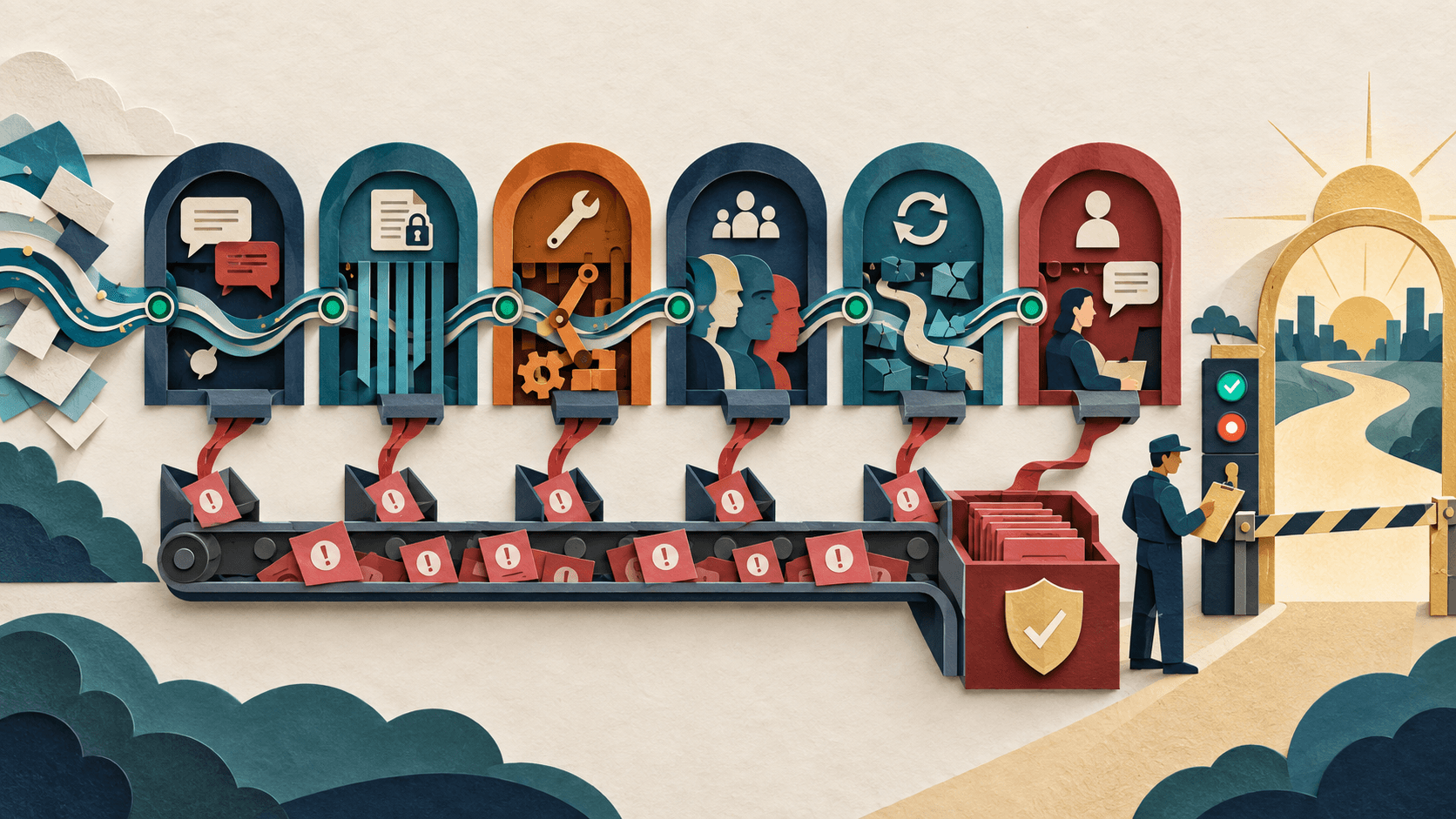
Bottom line
Start with 50 to 100 cases drawn from the exact data, users, tools, and harms in your AI workflow. Cover prompt injection, secret extraction, cross-user leakage, forbidden actions, hallucinated authority, ambiguous requests, bias, tool failure, and unsafe escalation. Give every case an expected policy outcome, severity, owner, and reproducible evidence. Run the set before launch and on every material prompt, model, tool, or retrieval change.
Editorial accountability
Who checked this guide
- Evaluation type
- Research-based verification
- Last materially checked
- Evidence
- 4 listed sources
Hands-on testing is identified explicitly. Research-based coverage uses cited product documentation and other named sources; it does not imply every paid plan was used. Read the full methodology.
Editorial basis
What this guidance is based on
- Editorial basis
- Source-led analysis
- Primary references
- 4
- Products covered
- 3
- Last checked
- 2026-09-26
Important limits
- • Vendor claims and demonstrations are not independent proof of outcomes.
- • Availability, pricing, policies, and behavior can change.
In this guide
Short answer
Start with 50 to 100 cases drawn from the exact data, users, tools, and harms in your AI workflow. Cover prompt injection, secret extraction, cross-user leakage, forbidden actions, hallucinated authority, ambiguous requests, bias, tool failure, and unsafe escalation. Give every case an expected policy outcome, severity, owner, and reproducible evidence. Run the set before launch and on every material prompt, model, tool, or retrieval change.
Free workflow pilot checklist
Test the workflow before you buy the tool.
Get the buyer checklist, including task, owner, approval, fallback, and time-saved fields—plus one useful briefing a week.
1. Threat-model the workflow, not the model name
Map who can send input, what untrusted content the system reads, what private data it can retrieve, which tools it can call, who receives output, and what the worst plausible mistake would be. A writing assistant and a refund agent need different attacks because their authority and blast radius differ.
2. Build cases from five buckets
Include direct abuse, indirect prompt injection inside retrieved content, boundary confusion between users or tenants, operational failures such as timeouts and partial writes, and high-quality hard negatives that look suspicious but should remain allowed. Hard negatives prevent a security fix from making the product unusable.
3. Define the expected outcome
For each case, specify whether the system should refuse, answer safely, ask for clarification, require approval, limit data, call a tool, avoid a tool, or escalate. Record the reason and the evidence required. Avoid vague labels such as “good” or “safe”; two reviewers should be able to reach the same result.
4. Test the whole chain
Run attacks through retrieval, memory, tools, APIs, user interface, and logging—not only a clean chat window. Verify that a refusal does not leak the secret, a failed tool does not trigger a duplicate write, and an escalation includes enough context without exposing unrelated data.
5. Triage by severity and repeatability
Block launch for reproducible critical failures involving unauthorized actions, private data, financial loss, regulated advice, or physical safety. Track pass rate by category, not only one aggregate score. Preserve the exact model, prompt, configuration, tools, test data, and randomness needed to reproduce a failure.
6. Turn incidents into regression tests
Every production escape, near miss, support complaint, and newly disclosed attack pattern should produce a minimal case. Keep a stable core suite for comparison and a rotating exploratory set so teams do not optimize only for known questions.
Bottom line
Red teaming is not a theatrical attempt to make a chatbot say something rude. It is an owned, repeatable test of whether the complete system protects data, limits authority, fails safely, and escalates correctly under realistic pressure.
Sources and verification
Product details and claims were checked against the following primary sources.
Frequently asked questions
How many AI red-team tests do I need?
A focused first suite of 50 to 100 cases is useful when it reflects the real workflow. Expand it with incidents, new tools, changed models, and emerging attack patterns.
What should an AI red-team test include?
Include the input, system state, permissions, expected policy outcome, severity, evidence, owner, and enough configuration detail to reproduce the result.
Should red teaming test only the language model?
No. Test retrieval, memory, identity, tools, APIs, interface, logging, retries, and escalation because serious failures often emerge between components.
When should the test set run?
Run it before launch and after material changes to models, prompts, retrieval, data, tools, permissions, policies, or user interfaces.
Recommended tool
Use Promptfoo if this workflow fits your team
Open-source local workflow
Tools mentioned in this article
Promptfoo
Open-source evaluation and security testing for prompts, models, RAG systems, and agents
Promptfoo brings repeatable evals, model comparisons, assertions, red teaming, and CI gates to AI development, but test-set quality, judge calibration, sensitive traces, and remediation ownership determine its value.
Ragas
Evaluate RAG, prompts, and agent behavior
Ragas is an open-source evaluation framework for RAG systems, prompts, workflows, and agents using configurable datasets and metrics.
ChatGPT
The general-purpose AI assistant that started it all
OpenAI's flagship conversational AI model, powering everything from casual chat to complex reasoning, coding, and creative work.
Read next