In this guide
Short answer
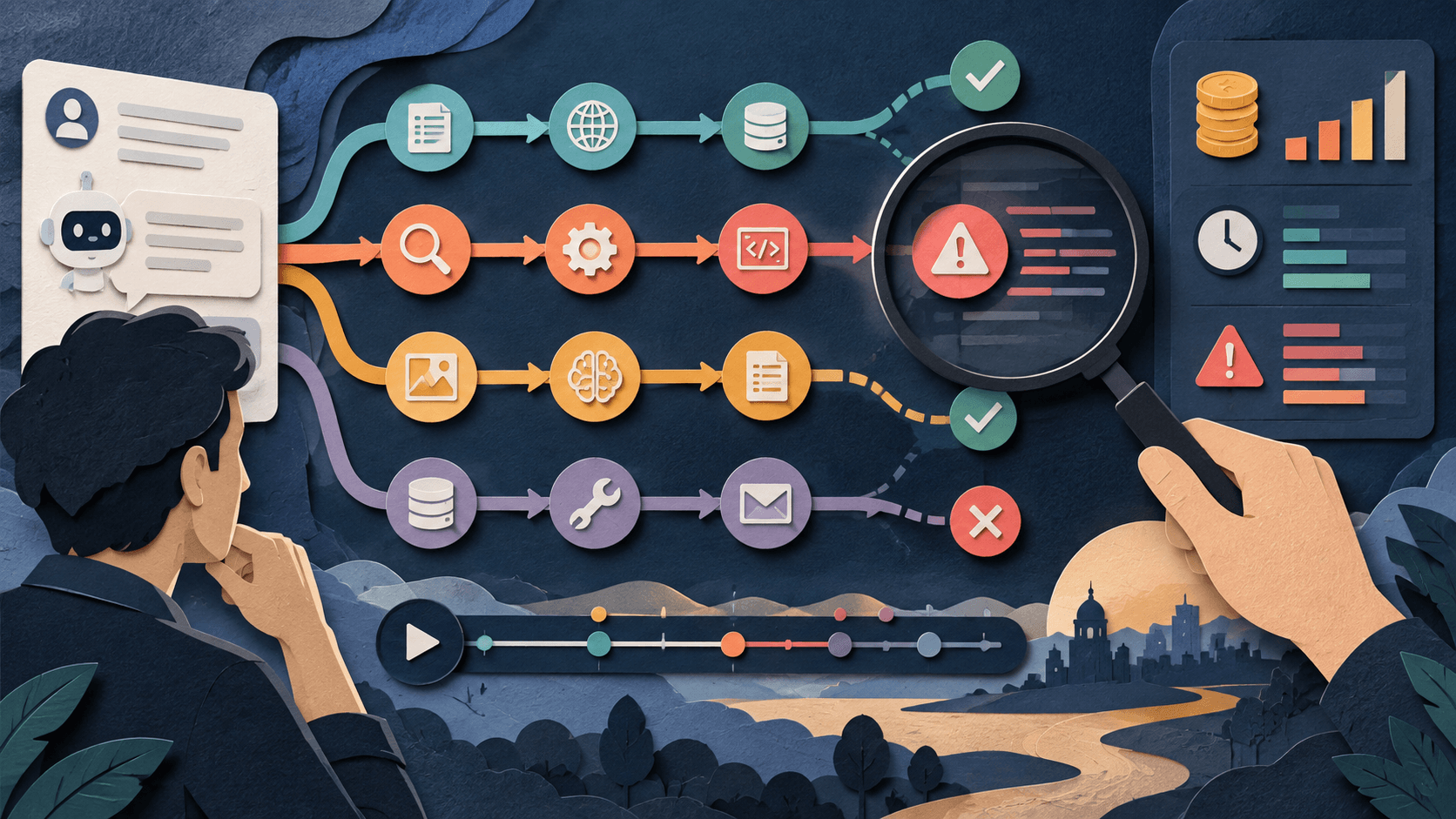
Monitor AI workflows at three levels: technical health such as latency, errors, and spend; output quality such as acceptance, correction, citations, and severe failures; and business outcomes such as resolution, conversion, or cycle time. Assign an owner, alert thresholds, an incident path, and a tested rollback before launch.
Free workflow pilot checklist
Test the workflow before you buy the tool.
Get the buyer checklist, including task, owner, approval, fallback, and time-saved fields—plus one useful briefing a week.
Sample outcomes, not only traces
Logs show what ran; they do not establish whether the result was correct or useful. Review a risk-weighted sample of approved and rejected outcomes with domain owners.
Watch for change
Track prompt, model, retrieval, connector, policy, and data versions. Re-run evaluation sets after changes and monitor distribution shifts, new user behavior, and rising correction patterns.
Prepare incident controls
Define severity levels, containment, kill switches, credential rotation, customer notification, evidence preservation, vendor escalation, recovery, and a blameless review with assigned fixes.
What readers should do
Run a tabletop exercise before launch: simulate a costly loop, privacy leak, prompt injection, bad model update, connector outage, and incorrect external action. Time detection, containment, rollback, communication, and recovery.
Claims were checked against the linked primary sources on September 19, 2026. Company-reported results and expectations are attributed evidence, not independent guarantees.
Transparency
How this guide was checked
Editorial accountability
Who checked this guide
- Evaluation type
- Research-based verification
- Last materially checked
- Evidence
- 4 listed sources
Hands-on testing is identified explicitly. Research-based coverage uses cited product documentation and other named sources; it does not imply every paid plan was used. Read the full methodology.
Editorial basis
What this guidance is based on
- Editorial basis
- Source-led analysis
- Primary references
- 4
- Products covered
- 3
- Last checked
- 2026-09-19
Important limits
- • Announcements and internal measurements may not generalize.
- • Availability, policy, pricing, and product behavior can change.
Sources and references
References cited by this article. Check the original source for scope, dates and current terms.
Frequently asked questions
What should an AI workflow monitor?
Technical health, output quality, severe failures, cost, latency, business outcomes, drift, and human corrections.
How often should outputs be reviewed?
Use continuous automated checks plus risk-weighted human samples on a schedule matched to volume and consequence.
When should an AI workflow stop automatically?
At predefined severe-error, privacy, security, cost, or external-action thresholds.
What changes require re-evaluation?
Model, prompt, data, retrieval, connector, policy, permission, and major user-population changes.
Recommended tool
Use AgentOps if this workflow fits your team
Agent-focused replay model
Tools mentioned in this article
AgentOps
Trace, replay, and evaluate AI agent sessions
AgentOps is an observability platform for recording agent sessions, tool calls, model costs, errors, latency, replays, and evaluation signals.
Langfuse
Open-source tracing, evaluation, prompt management, and metrics for LLM applications
Langfuse unifies traces, costs, prompts, datasets, and evaluation with cloud and self-hosted options, but telemetry sensitivity, retention, operational load, and fast-rising plan costs demand a scoped pilot.
Arize Phoenix
Trace, evaluate, and experiment on AI applications
Arize Phoenix is an open-source observability and evaluation platform for tracing AI applications, scoring outputs, managing prompts, and running experiments.
Read next